What Is Pixel Art? A Complete Beginner’s Introduction
Affiliate Disclosure
This post contains affiliate links. Pixels and Bloom may earn a commission when you purchase through these links, at no additional cost to you. All opinions are our own and we only recommend products we believe will genuinely benefit our readers.
If you’ve ever played a retro video game, admired a quirky indie game’s visuals, or scrolled past a strikingly nostalgic illustration on Instagram and thought “how do people make that?” – you’ve already encountered pixel art. It’s one of the most beloved and enduring digital art forms in existence, and it’s having a full-blown renaissance right now, driven by indie games, social media aesthetics, NFT culture, and a generation of creators who grew up with 8-bit and 16-bit visuals burned into their visual memory.
But what actually is pixel art? How does it work? Where did it come from? And most importantly, can you make it, even if you’ve never drawn anything digitally before?
The answer to that last question is a resounding yes. This guide is going to walk you through everything you need to know about pixel art from the absolute ground up – the history, the technique, the tools, the community, and the creative possibilities that open up once you start. By the end, you’ll have a clear picture of what pixel art is, why so many people love creating it, and exactly how to take your first steps.

What Is Pixel Art, Exactly?
Pixel art is a form of digital art in which images are created and edited at the pixel level. Meaning the artist works directly with individual pixels, the smallest unit of a digital image, to construct pictures. The result is a distinctive aesthetic characterized by visible square dots, hard edges, limited color palettes, and a blocky, grid-based quality that is immediately recognizable.
Think of it like mosaic art, but digital. Instead of tiny ceramic tiles, you’re placing tiny colored squares – pixels – one by one (or in small clusters) to build up shapes, characters, scenes, and patterns.
What makes pixel art different from other forms of digital art is the intentionality of the constraint. A photographer works with unlimited resolution. A digital painter in Photoshop can use thousands of colors and an infinite canvas. A pixel artist deliberately limits themselves, working on a small canvas (often just 16×16, 32×32, or 64×64 pixels), with a restricted color palette (sometimes as few as 4 or 8 colors), and placing every single dot with purpose.
Those constraints are not a limitation, they’re the art form’s greatest strength. The restriction forces creative problem-solving, clarity of intention, and a visual economy that produces images that are clean, readable, and instantly expressive even at tiny sizes.

A Brief History of Pixel Art
To understand pixel art fully, it helps to know where it came from, because pixel art didn’t start as an artistic choice. It started as a technical necessity.
The Early Days: 1970s and 1980s
In the early days of computer graphics, displays could only show a very limited number of pixels, and each pixel required memory to store. Early arcade games like Space Invaders (1978), Pac-Man (1980), and Donkey Kong (1981) were built entirely from pixel grids – not because the developers wanted a distinctive aesthetic, but because the hardware simply couldn’t render anything more complex.
The artists who made these early games, designers like Shigeru Miyamoto and Hiroshi Ikeda, were genuinely pioneering a new visual language. They were communicating characters, emotions, environments, and narratives within grids of just a few dozen pixels per character. Mario, in his original NES form, is barely 16 pixels tall. And yet he is one of the most recognizable characters in human history. That is the power of pixel art done well.
Through the 1980s and into the early 1990s, pixel art was the dominant visual language of video games. The Super Nintendo, Sega Genesis, and early home computers like the Commodore 64 and ZX Spectrum all produced their graphics in pixel art form. Artists in this era developed sophisticated techniques – dithering, anti-aliasing, color cycling – to push the boundaries of what was possible within severe technical constraints.

The Transition Period: 1990s and Early 2000s
As 3D graphics technology advanced through the mid-1990s, pixel art began to fade from mainstream game development. The PlayStation, Nintendo 64, and eventually the Xbox and PS2 ushered in an era of polygonal 3D graphics. Pixel art became associated with older, “lesser” hardware – something to move away from.
But a funny thing happened. While big studios abandoned pixel art, independent developers, hobbyists, and artists kept it alive. Handheld consoles like the Game Boy Advance continued producing pixel art games well into the 2000s. And a growing underground of retro enthusiasts, demo scene artists, and indie developers began treating pixel art not as a technical limitation, but as a deliberate aesthetic choice.
The Renaissance: 2008 to Present
The indie game revolution of the late 2000s and 2010s brought pixel art roaring back. Games like Cave Story (2004), Spelunky (2008), Minecraft (2011), Terraria (2011), Shovel Knight (2014), and Stardew Valley (2016) all used pixel art not because they had to, but because it was beautiful, expressive, and perfectly matched their tone and vision.
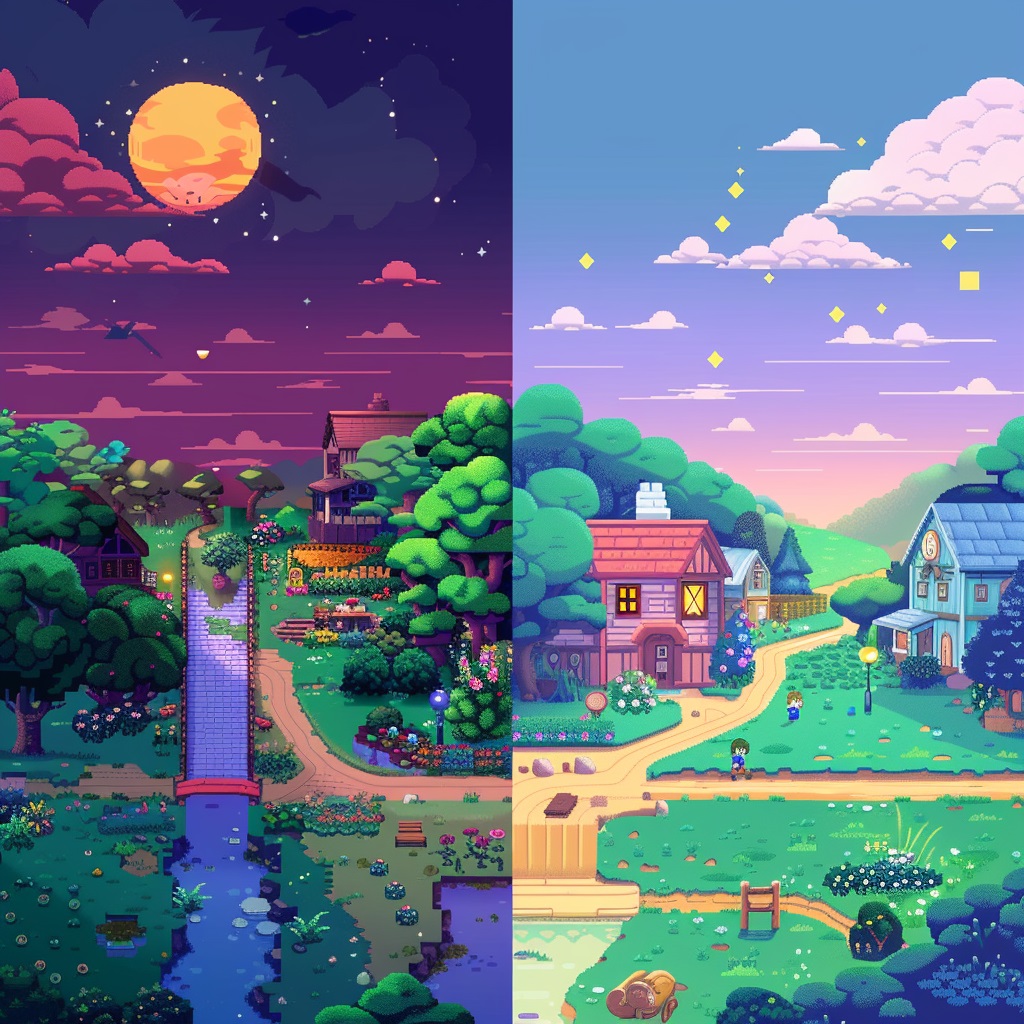
Stardew Valley in particular deserves a special mention in any pixel art history. Created almost entirely by one person – Eric Barone, known as ConcernedApe – the game’s pixel art is widely considered some of the finest in the medium. Its warm, detailed sprites and environments have inspired an enormous wave of fan art and original pixel art creation. If you’re interested in that tradition, our post on 15 Stardew Valley inspired pixel art pieces you can recreate is a great place to explore.
Meanwhile, social media platforms – especially Instagram, Tumblr, and later Twitter/X and TikTok – gave pixel artists a global audience for the first time. Artists like Paul Robertson, eBoy, and countless others built massive followings by sharing pixel art scenes, character animations, and illustrated worlds. The form became not just a game development tool but a fully independent fine art medium with its own community, conventions, and stars.
Today, pixel art is everywhere: in games, in social media aesthetics, in fashion, in merchandise, in music videos, and in an enormous community of creators who make it purely for the love of it.
The Core Concepts of Pixel Art
Before you start making pixel art, it’s worth understanding the key technical concepts that underpin the form. Don’t be intimidated, these are simple ideas, and you’ll internalize them quickly once you start working.
The Canvas and Grid
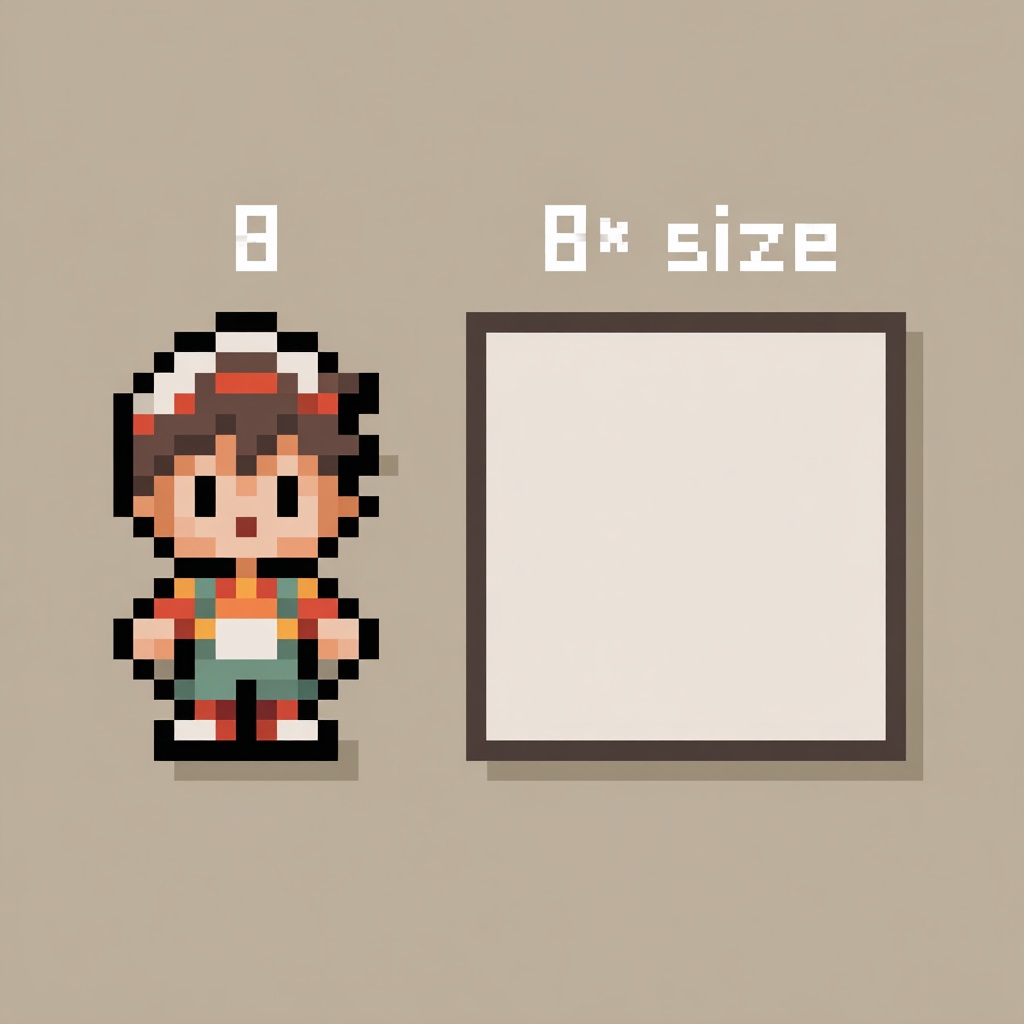
Every pixel art piece begins with a canvas, a defined grid of pixels at a specific width and height. Common canvas sizes include:
- 8×8 – Extremely limited; used for icons, game sprites, and micro-art challenges
- 16×16 – The classic beginner size; enough room for a recognizable character or object
- 32×32 – The sweet spot for most beginners; allows real detail without being overwhelming
- 64×64 – Intermediate level; suitable for more complex characters and scenes
- 128×128 and above – Advanced work; full scene compositions and detailed character art
The important thing to understand is that pixel art canvases are small by design. When displayed on screen, they are scaled up – a 32×32 image might be displayed at 320×320 pixels, scaling each original pixel to a 10×10 block. This is called integer scaling, and it preserves the crisp, blocky look of the original art. Never scale pixel art with smooth/bilinear interpolation, it blurs the edges and destroys the aesthetic.
Color Palettes
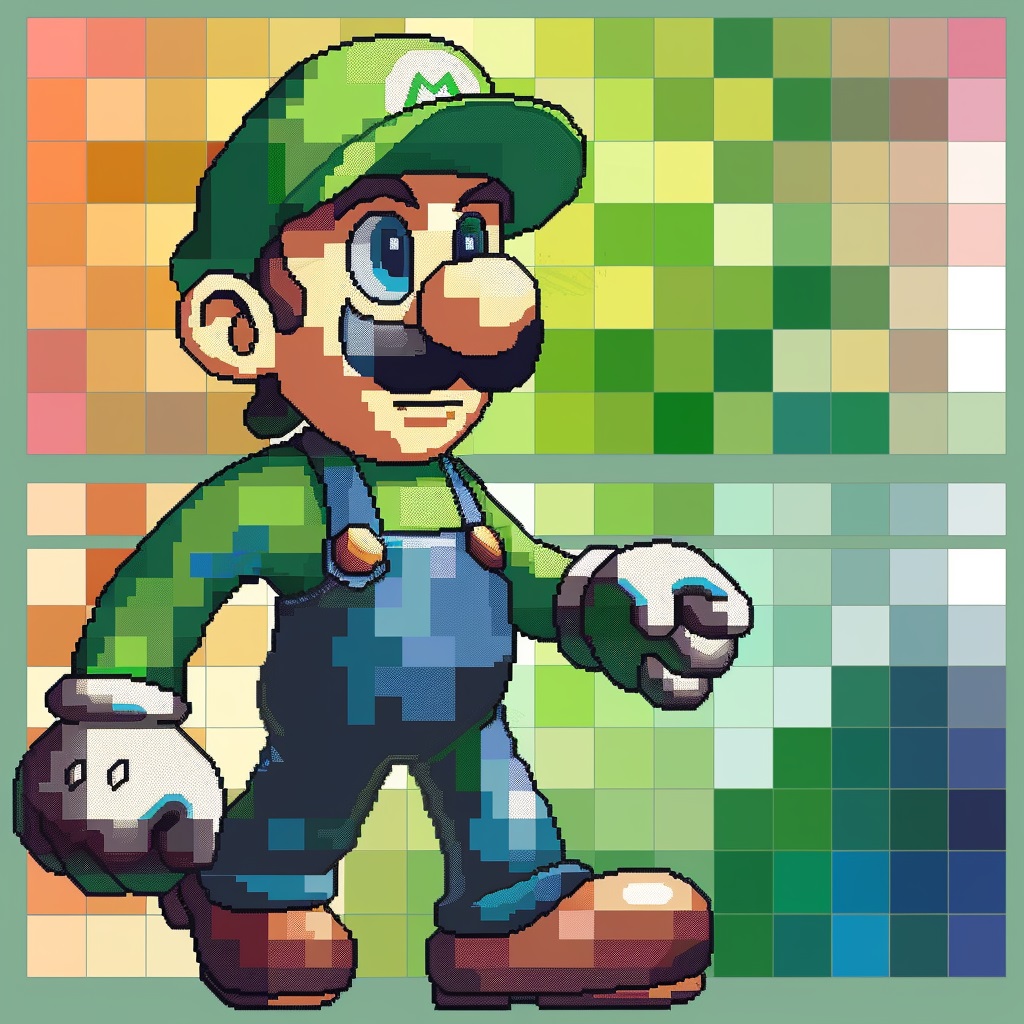
One of the most powerful and distinctive aspects of pixel art is working with a limited color palette. Rather than using thousands of colors, pixel artists typically restrict themselves to a small, carefully chosen set, often 4, 8, 16, or 32 colors for a complete piece.
Why the limitation? A few reasons:
First, it echoes the historical constraints of early hardware, the NES could display 54 colors total and only a subset per screen; the Game Boy had just 4 shades of green. These limitations produced aesthetically coherent images because every color had to earn its place.
Second, a restricted palette forces visual harmony. When all your colors come from the same carefully chosen set, the image naturally looks cohesive. Many pixel artists use pre-designed palettes, the PICO-8 palette (16 colors) and the Lospec community’s many curated palettes are popular starting points.
Third, and most practically: fewer colors means fewer decisions. For beginners especially, this is liberating rather than limiting.
Shading and Depth
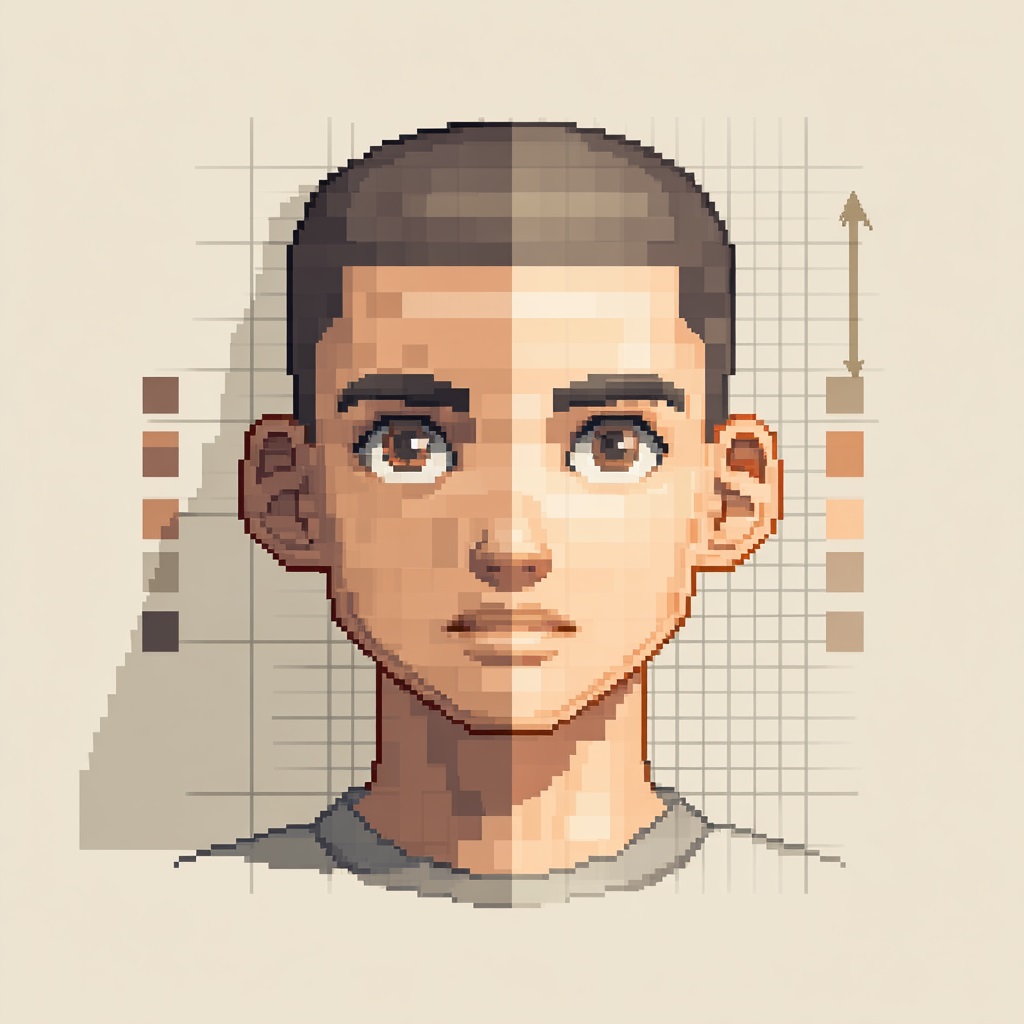
Despite working with limited colors, skilled pixel artists can create remarkable depth and three-dimensionality through careful shading. The standard approach uses three tones per color: a base color, a highlight (lighter, placed on the side facing a light source), and a shadow (darker, placed on the opposite side).
On a character’s face, for example, you might use a base skin tone, a lighter tone for the forehead and nose, and a darker tone under the chin and around the eye sockets. Just three colors, but the result reads clearly as a three-dimensional head.
Dithering
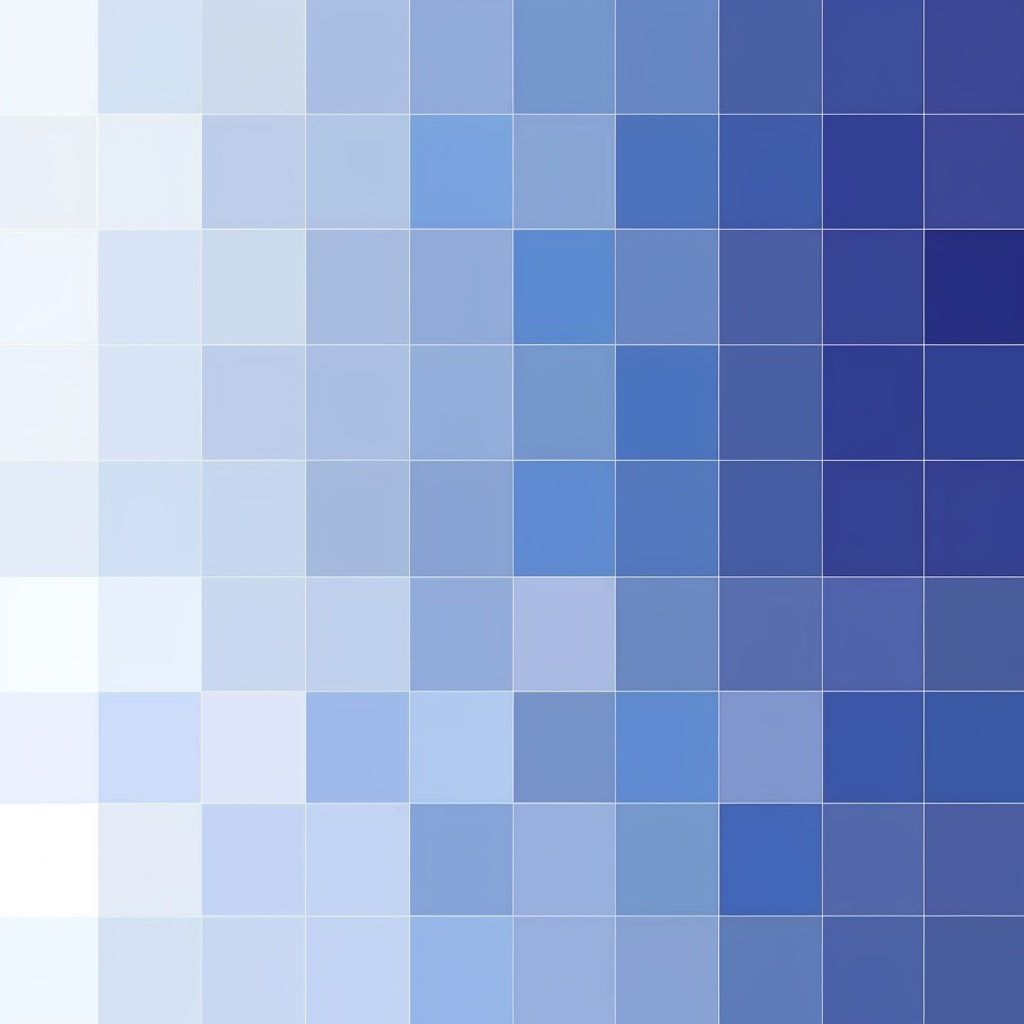
Dithering is a technique for creating the appearance of additional colors or gradients by alternating pixels of two different colors in a pattern. Imagine trying to show a transition from light blue to dark blue using only two colors, dithering lets you create an intermediate zone where the two colors are interleaved in a checkerboard or other pattern, giving the eye a blended, in-between impression.
It’s one of the most distinctively “pixel art” techniques and was used extensively in retro games to simulate gradients within tight color limits. Many beginners find dithering tricky at first, but it becomes second nature quickly.
Anti-Aliasing
Anti-aliasing in pixel art refers to the careful placement of intermediate-tone pixels along a curved or diagonal edge to make it appear smoother. Unlike the automatic anti-aliasing your computer applies to fonts and graphics, pixel art anti-aliasing is done manually, one pixel at a time, by the artist.
On a diagonal line, for example, the staircase effect of the pixels can look harsh. By placing slightly lighter or darker pixels along the steps, you soften the edge and the eye reads it as a smoother curve. It’s a subtle but impactful technique.

Outlines
Many pixel art styles use a solid dark outline around characters and objects, a technique borrowed from cartoon illustration. The outline increases readability, separates elements from their backgrounds, and gives characters a clean, graphic quality. Some styles (especially those mimicking certain retro consoles) use no outlines at all, relying purely on color contrast to define edges.
What Makes Pixel Art Special?
You might be wondering – if pixel art is deliberately limited, why has it endured and thrived while other “constrained” art forms faded? The answer lies in what those constraints actually produce.
Clarity. Pixel art must be readable at tiny sizes. Every design decision must be intentional and functional. This produces images that communicate extremely efficiently, a character’s personality in 16×16 pixels, an entire world in a 320×240 screen. There’s no room for vagueness.
Nostalgia. For anyone who grew up playing video games in the 1980s, 1990s, or early 2000s, pixel art carries a powerful emotional resonance. It’s the visual language of childhood, of wonder, of Saturday mornings with a controller in your hands. That nostalgia has only deepened as those generations have grown up and started making art themselves.
Accessibility. Unlike oil painting, sculpture, or even most forms of digital painting, pixel art requires minimal equipment. A laptop, a free software application, and patience are genuinely sufficient to produce remarkable work. This low barrier to entry has produced an enormous, diverse global community of pixel artists. We explore this community in depth in our post on 25 pixel art inspo accounts to follow on Instagram.
Versatility. Pixel art works beautifully as game sprites, social media posts, profile pictures (see our post on 10 pixel art PFP ideas that look great on any platform), print-on-demand products, animated GIFs, desktop wallpapers, and physical merch. Few art forms are as naturally multi-platform as pixel art.
Meditative quality. Many pixel artists describe the process as deeply calming and focused, placing one pixel at a time, solving visual problems within clear constraints, watching an image gradually emerge. It shares some of the contemplative quality of cross-stitch, mosaic work, or coloring.
Pixel Art vs. Other Digital Art Forms
Pixel art is often confused with or compared to other digital art forms. Here’s how it actually relates to its neighbors.
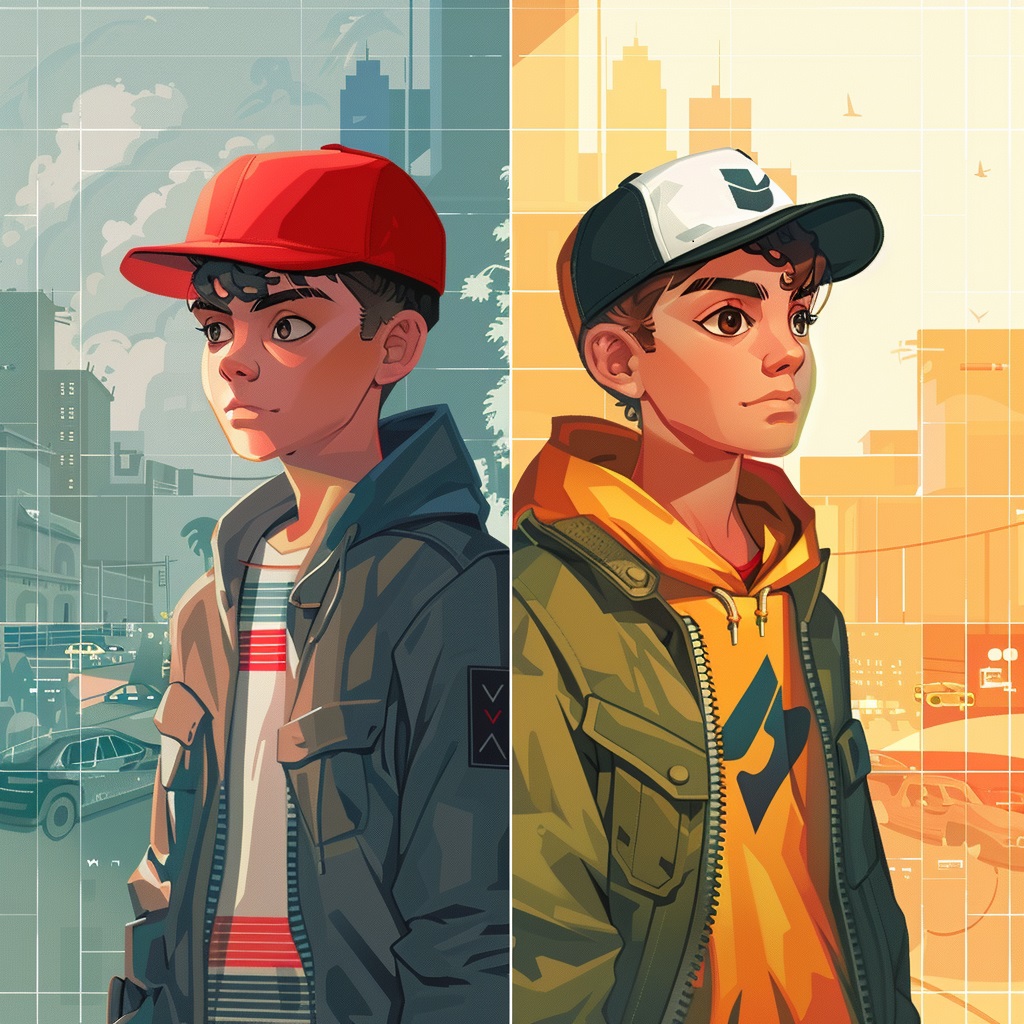
Pixel art vs. digital illustration: Digital illustration uses high-resolution canvases, smooth brushes, unlimited color, and typically aims to replicate or extend traditional painting and drawing techniques. Pixel art deliberately avoids all of that – it works at low resolution, with hard pixel edges and constrained color. The two forms have different goals, different aesthetics, and different communities, though many artists work in both. We explore this in full in our post on pixel art vs. digital illustration: What’s the difference?
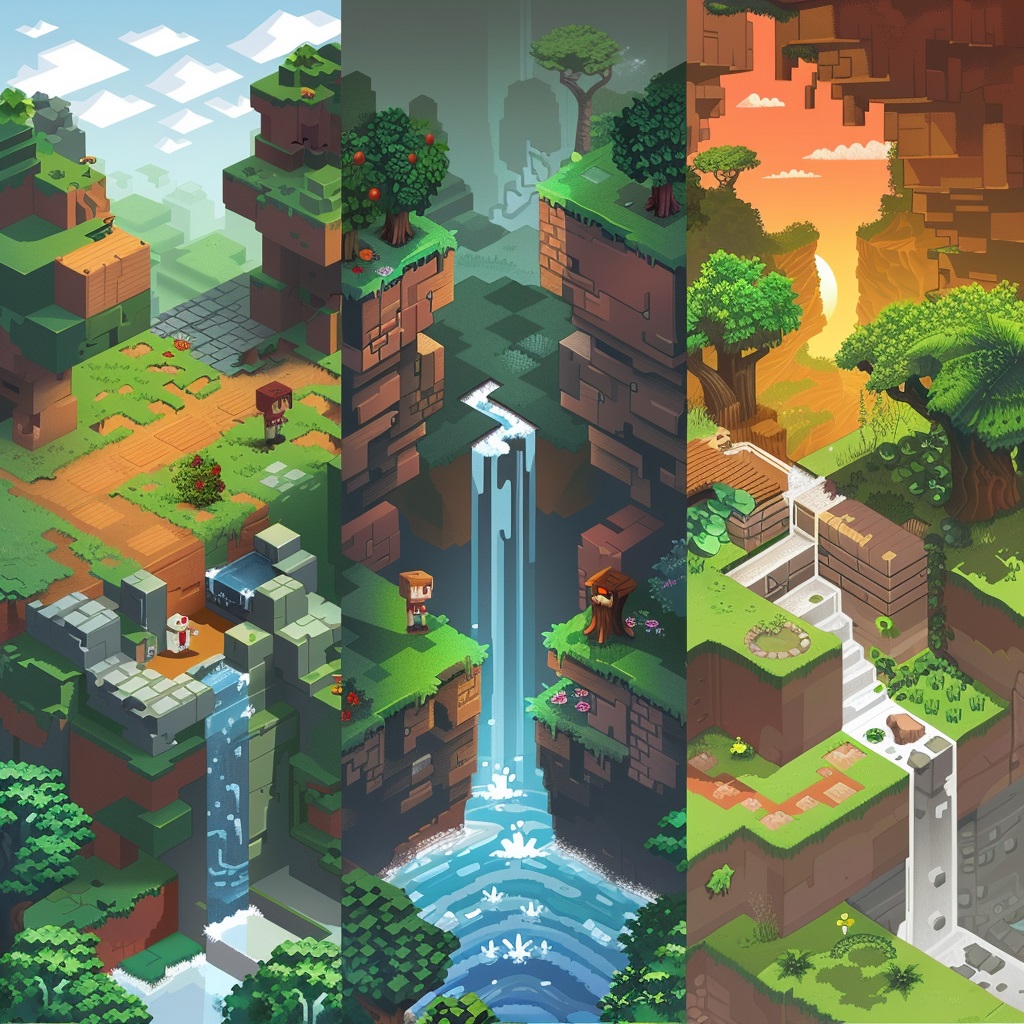
Pixel art vs. voxel art: Voxel art is essentially pixel art in 3D, instead of pixels (2D squares), voxels are 3D cubes. Minecraft is the most famous example of voxel art in practice. Many pixel artists also work in voxel art, and the skills transfer reasonably well.
Pixel art vs. lo-fi illustration: Lo-fi illustration is a broader aesthetic category that includes pixel art but also encompasses flat illustration, grain texture art, and other deliberately “imperfect” digital styles. Pixel art is a specific, technically defined subset.
How to Get Started with Pixel Art
Here’s the honest truth about getting started with pixel art: the barrier is low, but the skill ceiling is high. You can make something recognizable and satisfying in your first hour. To make something truly impressive will take months or years of practice. That gap is exactly what makes it rewarding.
Step 1: Choose Your Software
You don’t need expensive software to start. Here are the most popular options:
Free:
- Piskel (piskelapp.com) – Browser-based, beginner-friendly, supports animation
- Lospec Pixel Editor – Clean, minimal, great for pure pixel work
- LibreSprite – Free, open-source fork of an older version of Aseprite
Paid:
- Aseprite (~$20 one-time) – The industry standard for pixel artists; excellent layer support, animation tools, and palette management
- Pro Motion NG – Professional-grade, used by commercial game studios
For a full breakdown of every major tool with honest reviews for each skill level, read our dedicated post on the best pixel art software in 2026. It’s the most comprehensive guide we’ve written on the topic and will help you choose the right tool for exactly where you are in your pixel art journey.
Step 2: Start Small — Literally
Open your software, create a 16×16 canvas, choose four or five colors, and draw something simple. A face. An apple. A house. Don’t worry about whether it looks good, just get comfortable with the grid and the tools.
Then try a 32×32 canvas. Then 64×64. Gradually expanding your canvas size as your confidence grows is the most natural way to develop pixel art skills.
Step 3: Learn by Recreating
One of the best ways to learn pixel art is to recreate designs you admire. Copy a simple sprite from a retro game. Recreate a pixel art character you’ve seen on social media. The process of working out how someone achieved a particular effect, that highlight placement, that dithered shadow, that expressive face in 10×10 pixels, teaches you far more than tutorials alone.
Our posts on 15 Disney pixel art designs fans have recreated (and how they did it) and 15 Stardew Valley inspired pixel art pieces you can recreate are specifically designed to support this learning approach.
Step 4: Work on Themed Projects
One of the best ways to stay motivated as a beginner is to work on themed series rather than one-off pieces. Seasonal designs like our 50 Christmas pixel art designs and 47 Thanksgiving pixel art designs give you a clear brief and a recognizable output. If you prefer something year-round, our posts on 50 cute pixel art ideas to draw when you need inspiration and 30 easy pixel art ideas perfect for absolute beginners are full of guided starting points.
Step 5: Share Your Work
The pixel art community is genuinely one of the most welcoming creative communities on the internet. Post your work, even the early stuff. Use platforms like Instagram, Reddit’s r/PixelArt, and Twitter/X. Engage with other artists. Ask for feedback. The social dimension of pixel art is a huge part of what makes it sustainable as a long-term creative practice.
Setting Up Your Workspace
A quick but important note on your physical setup. Pixel art is typically done with a mouse or trackpad, which means long sessions of precise cursor movement. Over time, this can cause real discomfort in your wrist, shoulder, and back if your workspace isn’t set up ergonomically.
A height-adjustable standing desk from Flexispot makes a meaningful difference for creative professionals who spend long hours at a screen. Being able to alternate between sitting and standing breaks up the physical strain and keeps your energy levels higher through a long pixel art session.
For your input device, a precision mouse from Razer gives you noticeably better cursor control for pixel-level work. The difference between a budget mouse and a high-DPI gaming mouse when placing individual pixels is real and worth the upgrade.
Can You Make Money from Pixel Art?
Absolutely – and there are more routes to doing so now than at any point in history.
Selling designs as products: Platforms like Printify let you upload your pixel art and sell it on physical products like t-shirts, mugs, phone cases, tote bags, posters, and more – without holding any inventory. Your art, their printing and fulfillment, your profit margin. Our full guide to the top pixel art print-on-demand shops for selling your designs covers how to set this up from scratch.
Selling digital downloads: Platforms like Etsy and Gumroad allow you to sell pixel art as digital files, sprite sheets, icon sets, background tiles, and character designs are all in demand from indie game developers.
Freelance game art: If you develop strong technical skills, pixel art is a genuine career path. Indie game studios regularly hire pixel artists for sprite work, UI design, and environment art.
Content creation: Some pixel artists build substantial audiences on YouTube, TikTok, or Instagram by documenting their process, teaching techniques, and sharing their work. Monetization through ads, sponsorships, and Patreon follows audience growth.
Game servers and community building: If your pixel art passion connects to gaming – Minecraft in particular – there’s also a community angle. Running a Minecraft server with a pixel art-focused community is a genuine niche. Shockbyte and GG Servers are both excellent options for affordable, reliable Minecraft server hosting that can support a creative community around your pixel art projects.
The Pixel Art Community
One of the most underrated aspects of pixel art is its community. The r/PixelArt subreddit has millions of members. Pixel art hashtags on Instagram generate millions of posts. Events like Pixel Art Day (November 1st) and community challenges on platforms like Lospec draw thousands of participants worldwide.
The community is notably inclusive and encouraging – beginners are welcomed, feedback is constructive, and there’s genuine celebration of work at every skill level. Some of the most-followed pixel artists on social media are entirely self-taught, having started with exactly the same beginner questions you might have right now.
For curated inspiration from the best accounts in the space, check out our post on 25 pixel art inspo accounts to follow on Instagram.
What to Explore Next
Now that you have a solid foundation for understanding what pixel art is, here are the best next steps depending on where you want to go:
If you want to start creating right away: Read our 30 easy pixel art ideas perfect for absolute beginners post and pick one to try today. Seriously – today.
If you want to choose the right software: Read our best pixel art software in 2026 guide before you spend any money.
If you want to work on characters: Our guide on how to draw cute pixel art characters from scratch is the perfect next read.
If you’re interested in a specific aesthetic: Check out our posts on 25 Kawaii pixel art character ideas, 20 retro-inspired pixel art patterns, and 10 vaporwave pixel art scenes worth recreating yourself.
If you want to monetize your art: Start with our guide to top pixel art print-on-demand shops for selling your designs.
Final Thoughts
Pixel art is one of those rare creative forms that is genuinely accessible to complete beginners, endlessly deep for advanced practitioners, and emotionally resonant for almost everyone who encounters it. It carries decades of cultural history, a vibrant living community, and a visual language that is simultaneously retro and timeless.
You don’t need talent to start. You don’t need expensive tools. You don’t need prior drawing experience. You need a grid, a handful of colors, and the willingness to place one pixel at a time and see what emerges.
That’s it. That’s pixel art. Now go make something.
More Pixel Art Posts You’ll Love
- Top Pixel Art Print-on-Demand Shops for Selling Your Designs in 2026
- 10 Vaporwave Pixel Art Scenes Worth Recreating Yourself
- 20 Retro-Inspired Pixel Art Patterns and Where They Come From
- 25 Kawaii Pixel Art Character Ideas You’ll Actually Want to Draw
- 30 Easy Pixel Art Ideas Perfect for Absolute Beginners
- 50 Cute Pixel Art Ideas to Draw When You Need Inspiration
- 47 Thanksgiving Pixel Art Designs to Celebrate the Season of Gratitude
- 50 Christmas Pixel Art Designs to Celebrate the Holiday Season
- 15 Disney Pixel Art Designs Fans Have Recreated (And How They Did It)
- Best Pixel Art Software in 2026: Honest Reviews for Every Skill Level
- Pixel Art vs Digital Illustration: What’s the Difference?
- 10 Pixel Art PFP Ideas That Look Great on Any Platform
- 25 Pixel Art Inspo Accounts to Follow on Instagram in 2026
- 15 Stardew Valley Inspired Pixel Art Pieces You Can Recreate
- How to Draw Cute Pixel Art Characters from Scratch (Beginner’s Guide)
- How to Create a Disney Princess in Pixel Art: Grid, Colors and Tips
- Cool Pixel Art Pieces That Went Viral on Social Media
- 40 Small Pixel Art Grid Ideas You Can Finish in Under an Hour
- 30 Pixel Art Avatar Ideas for Your Social Media Profiles