50 Christmas Pixel Art Designs to Celebrate the Holiday Season
Affiliate Disclosure
This post contains affiliate links. Pixels and Bloom may earn a commission when you purchase through these links, at no additional cost to you. All opinions are our own and we only recommend products we believe will genuinely benefit our readers.
The holidays are the perfect time to flex your creative muscles, and nothing captures the cozy, nostalgic magic of Christmas quite like pixel art. Whether you’re a seasoned artist or someone who’s still figuring out what pixel art even is (don’t worry we’ve got a complete beginner’s introduction to pixel art for that), Christmas-themed designs are one of the best places to start. They’re colorful, recognizable, and deeply satisfying to create especially when you watch that tiny Santa Claus take shape one square at a time.
In this post, we’re walking you through 50 Christmas pixel art design ideas ranging from the super simple to the impressively elaborate. Whether you want to create designs for fun, use them as Minecraft decorations, turn them into holiday social media posts, or even sell them through a print-on-demand store (more on that later), there’s something in this list for every skill level and every type of holiday spirit.
Why Christmas Is One of the Best Themes for Pixel Art
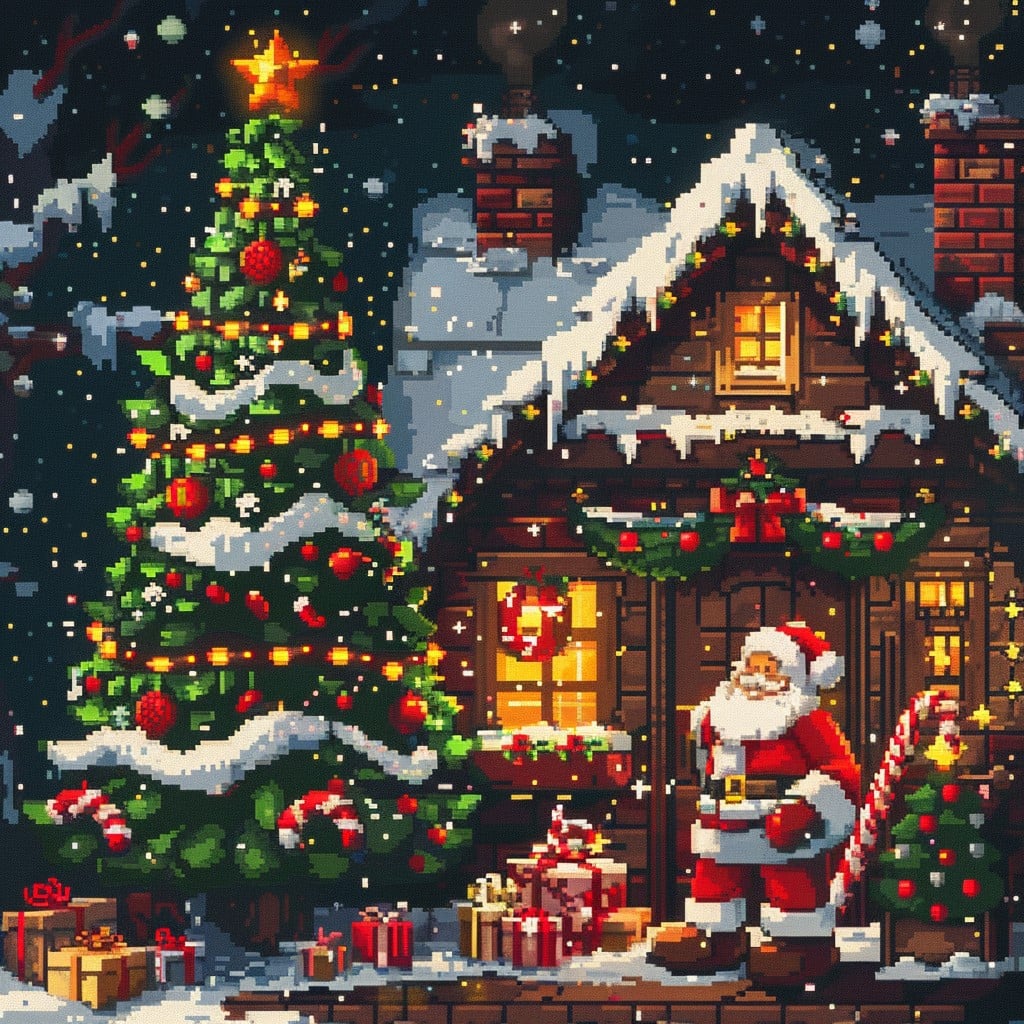
Before we dive into the full list, it’s worth talking about why Christmas works so beautifully as a pixel art subject. The holiday comes with a deeply established visual language like red, green, white, and gold; stars, snowflakes, candy canes, and twinkling lights. These elements are built for pixel grids. Symmetrical shapes like snowflakes and stars translate almost perfectly onto a grid without much distortion. Bold, contrasting colors pop on screen. And the retro, 8-bit aesthetic of pixel art actually adds to the warmth and nostalgia that Christmas already evokes.
Pixel art is also one of the most forgiving art forms for beginners. You’re working within constraints a limited canvas, a limited color palette and those constraints actually help you make design decisions faster. If you’ve ever stared at a blank canvas and felt paralyzed by choice, a 16×16 or 32×32 grid with six colors will feel like a relief.
If you’re not sure where to start in terms of tools, be sure to check out our guide to the best pixel art software in 2026, it covers everything from free browser-based apps to professional desktop software, reviewed honestly for every skill level.
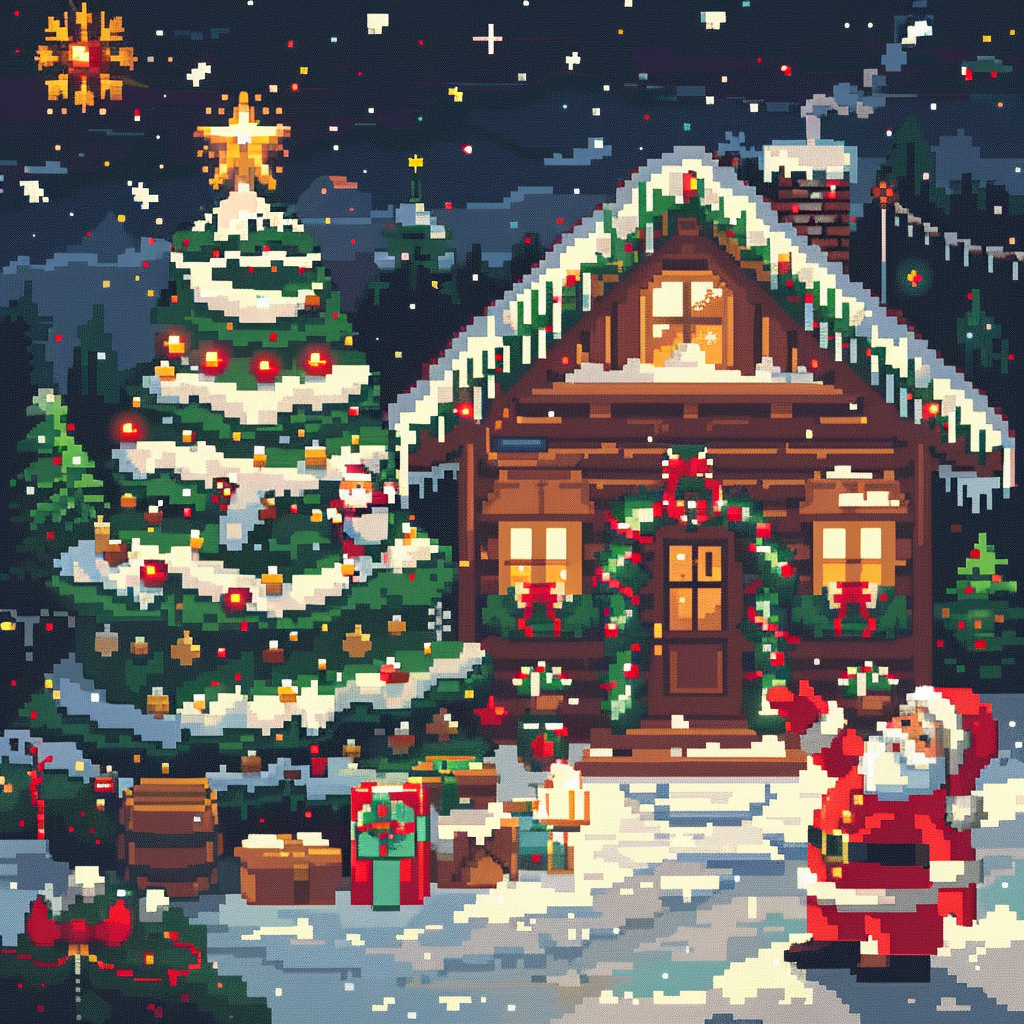
50 Christmas Pixel Art Design Ideas
Simple & Beginner-Friendly (Designs 1–15)
These designs work well on small grids (16×16 or 32×32) and use minimal colors. They’re perfect if you’re just starting out or want to finish something in under an hour. If you enjoy these, our roundup of 40 small pixel art grid ideas you can finish in under an hour has plenty more where these came from.
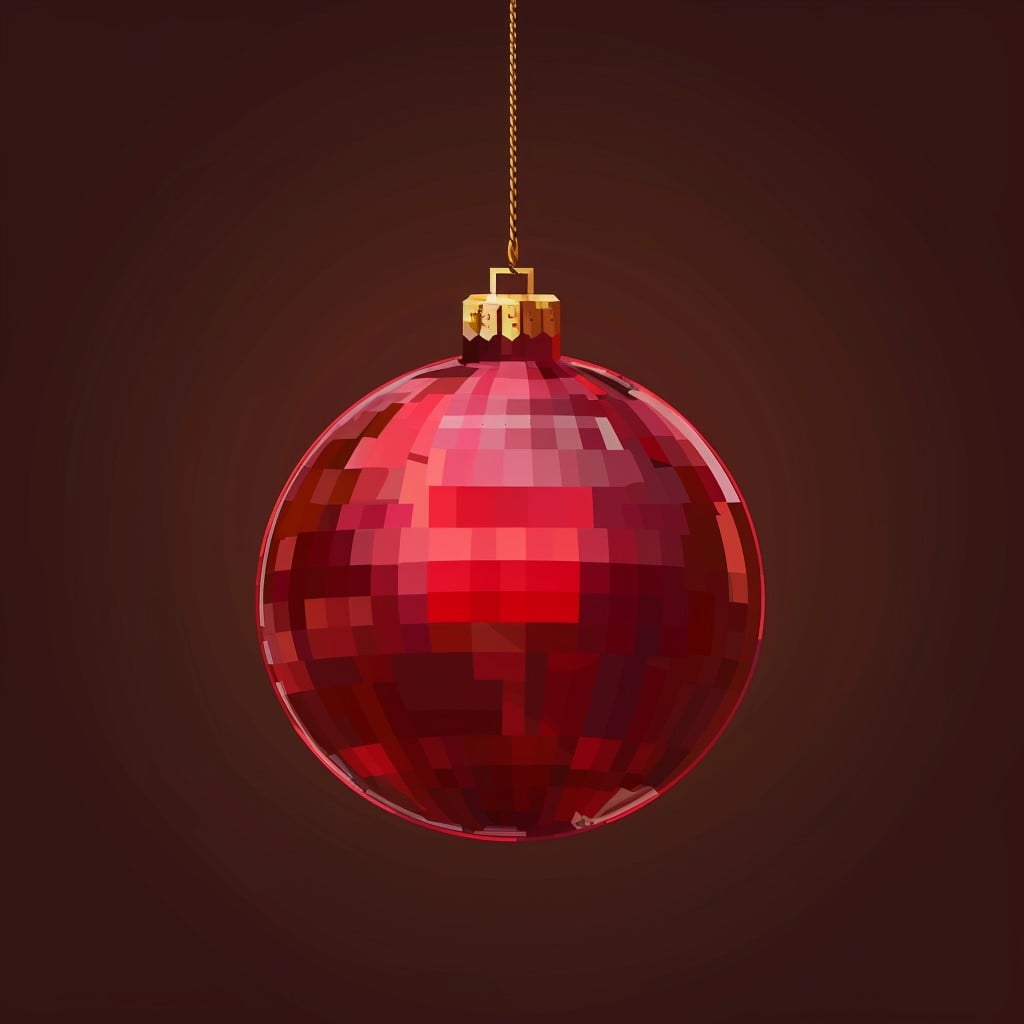
1. Classic Red Ornament
To begin, a classic red ornament is one of the easiest and most recognizable Christmas pixel art ideas. Start with a simple sphere, then add a small gold cap and string at the top. Use a circular dithering technique with three to four shades of red to create depth. For example, place a lighter highlight in the upper-left and a deep burgundy shadow on the lower-right. As a result, the ornament will look much more realistic.
2. Candy Cane
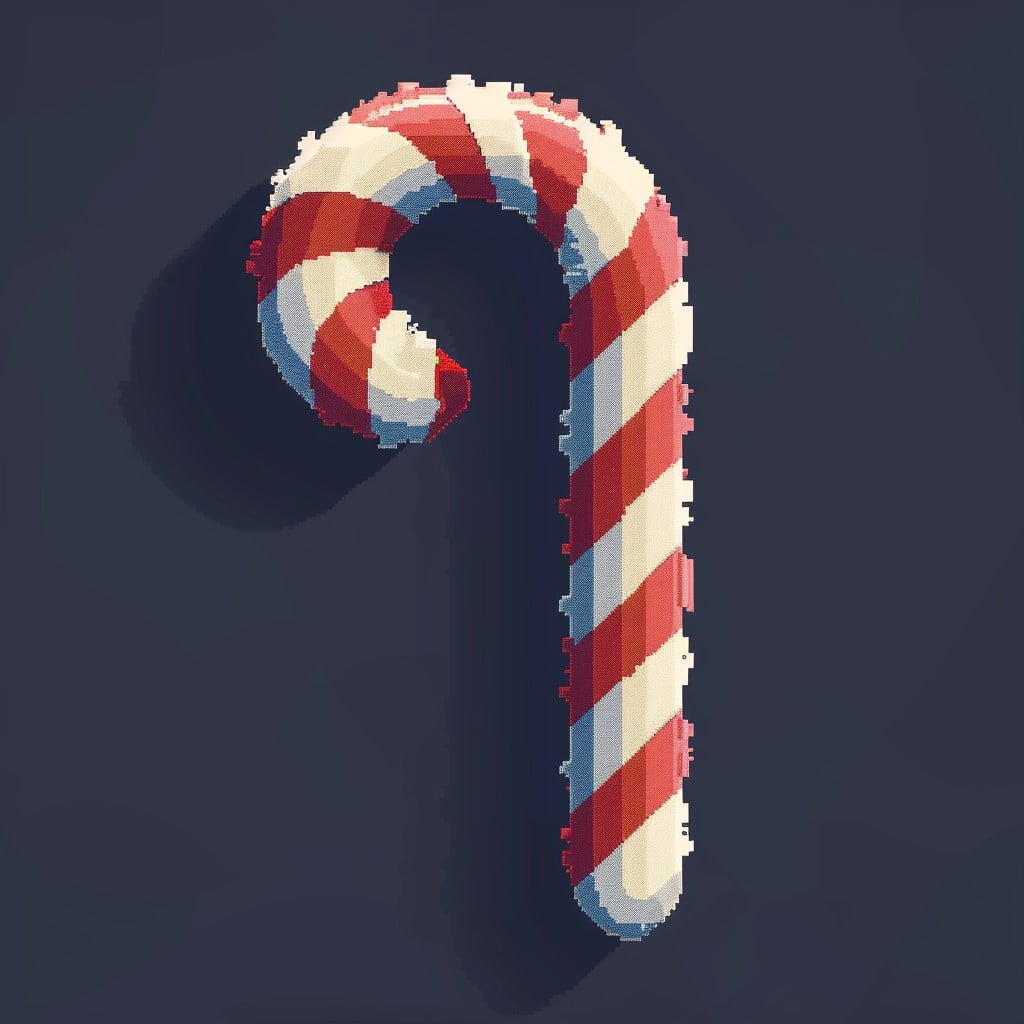
Next, the candy cane is one of the cleanest pixel art subjects you can make. Its diagonal red and white stripes on a curved J-shape are simple but visually strong. In addition, it is perfect for practicing anti-aliasing on curves. Because of its simplicity, even beginners can make it look polished quickly.
3. Christmas Star
A Christmas star is another classic holiday design. Use a five-pointed star with a gold and yellow palette for a warm festive look. On a 16×16 grid, a simple outline and fill works beautifully. To make it even better, add a soft white shimmer in the center so it appears to glow.

4. Wrapped Gift Box
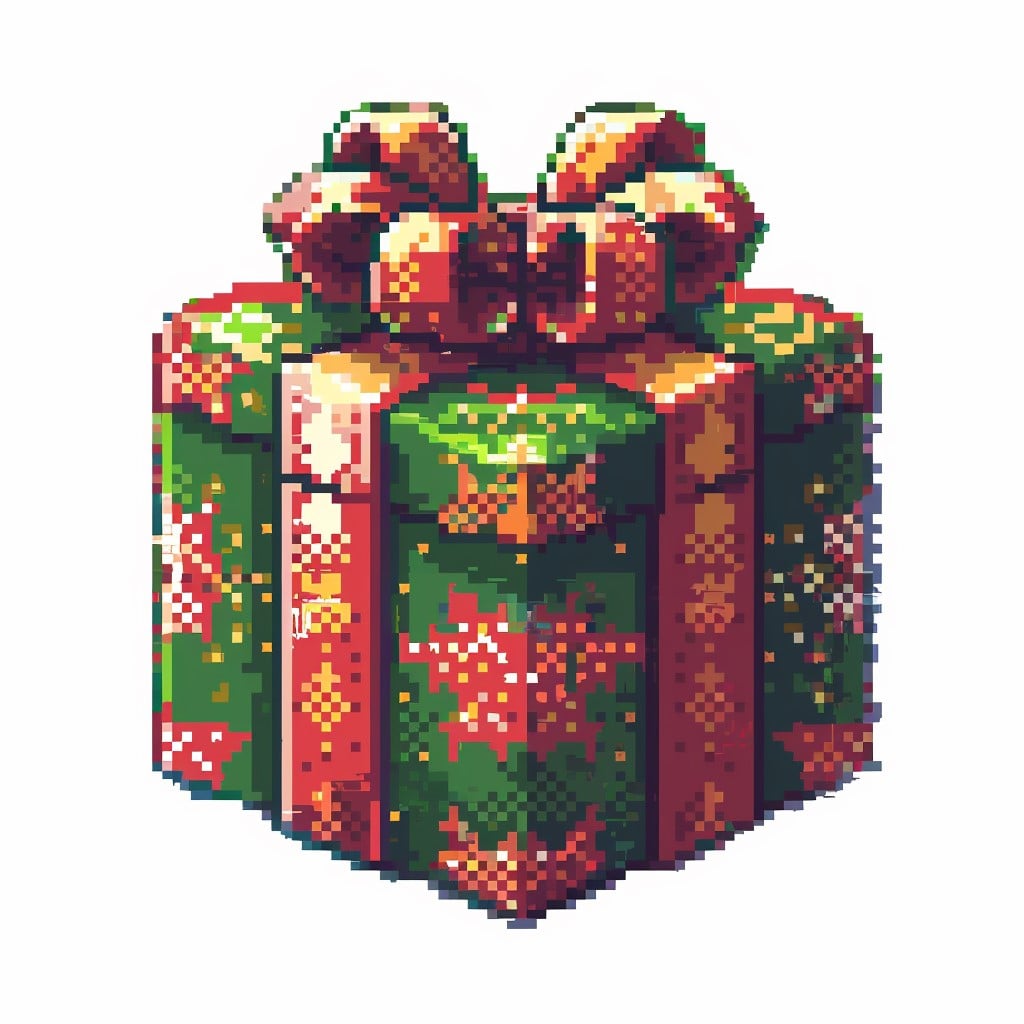
For a slightly more detailed object, try a wrapped gift box. A cube-shaped present with a bow on top gives you a great chance to practice form and shading. Use a three-tone color scheme for each face light, mid-tone, and shadow to show depth. Most importantly, the bow adds personality, and just a few carefully placed pixels in a contrasting ribbon color can make a huge difference.
5. Christmas Stocking
A Christmas stocking is both simple and instantly recognizable. Use a bright red body with a fluffy white cuff for the traditional look. You can also add a small peek of gifts spilling over the top for extra charm. For beginners, keeping it on a 16×16 grid with only four colors creates a clean retro style.

6. Snowflake
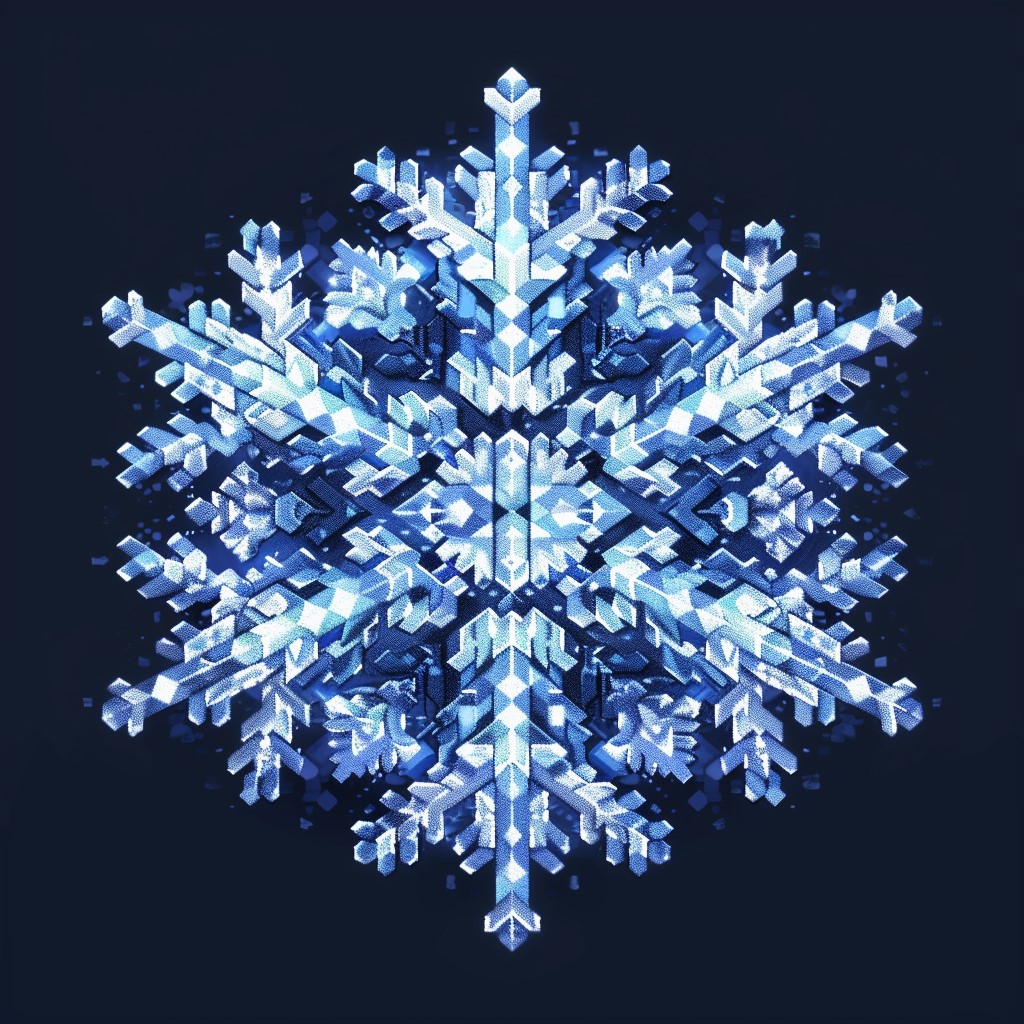
If you want to practice symmetry, a snowflake is one of the best choices. Start with a center pixel and then build outward in six directions. Since symmetry is key, using the mirror or flip function in your pixel art software can save a lot of time. In addition, experimenting with different arm patterns helps create variety.
7. Christmas Bell
A Christmas bell is a simple but elegant holiday design. Create a single gold bell with a small clapper at the bottom, then add a ribbon at the top for decoration. Furthermore, a subtle shadow underneath the curve makes the bell feel more dimensional. This design also works wonderfully as a repeating pattern element.

8. Holly Sprig
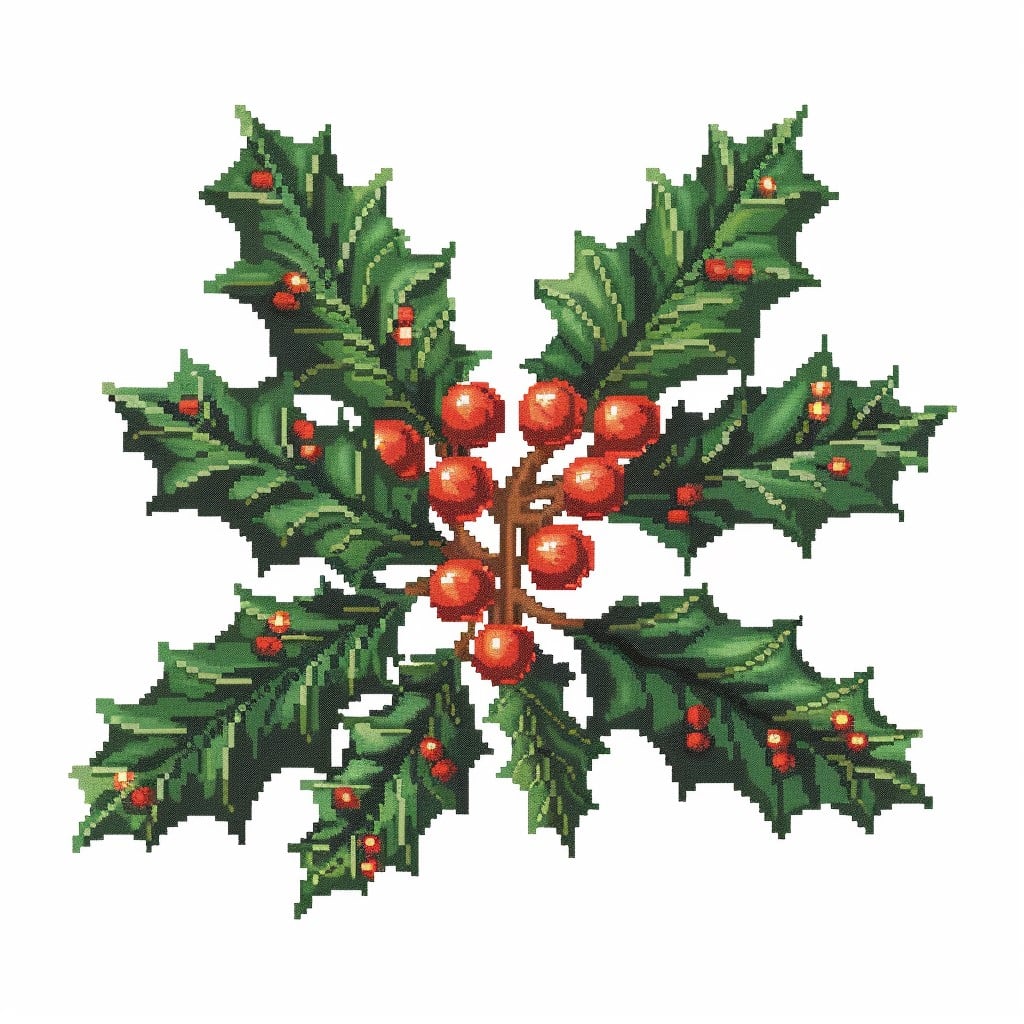
For something small and decorative, try a holly sprig. Use two or three dark green holly leaves with a cluster of bright red berries in the center. Although it is straightforward, it adds a lot of festive charm. Because of this, it works especially well for borders and decorative accents.
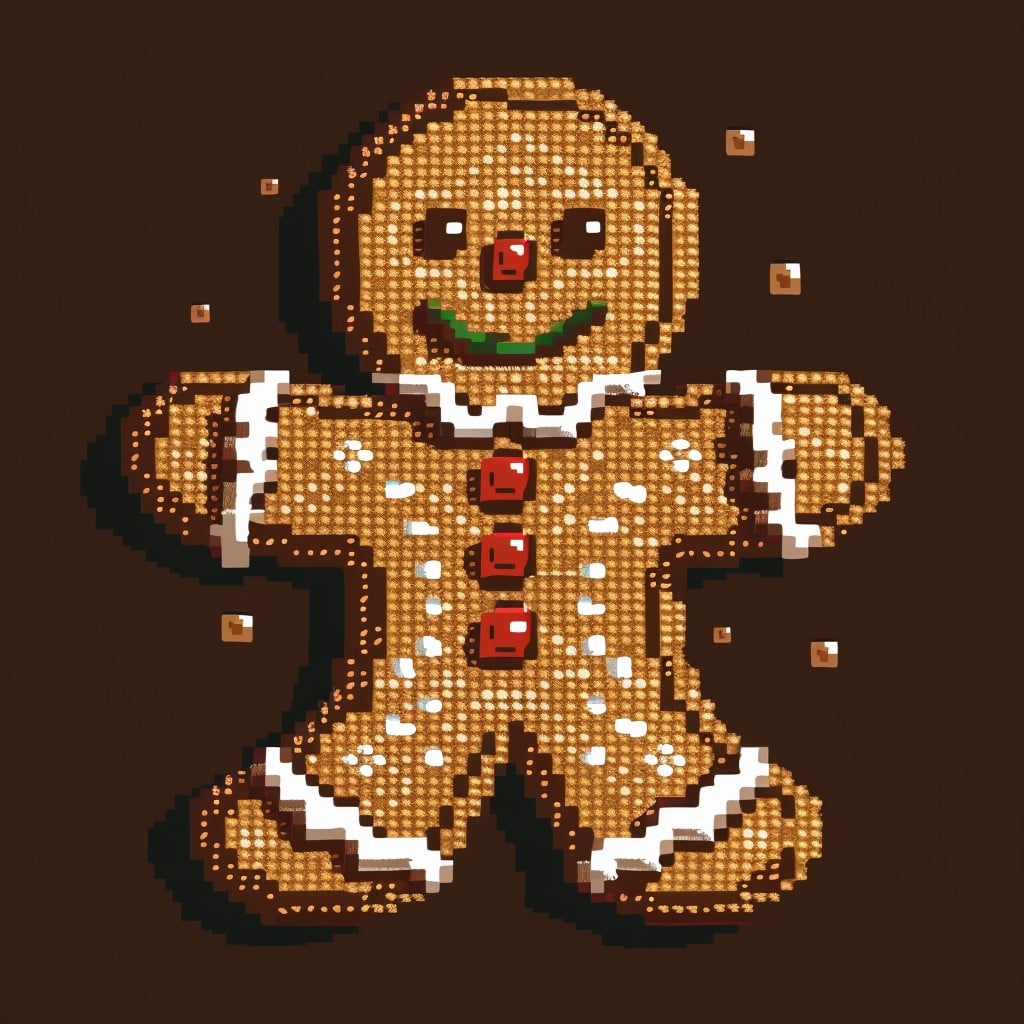
9. Gingerbread Man
A gingerbread man is a classic pixel art favorite. Use a rounded brown body with white icing outlines, candy-button eyes, and a big icing smile. On a 32×32 grid, you can include more detail and personality. However, on a 16×16 grid, it is better to keep the design simple and adorable.
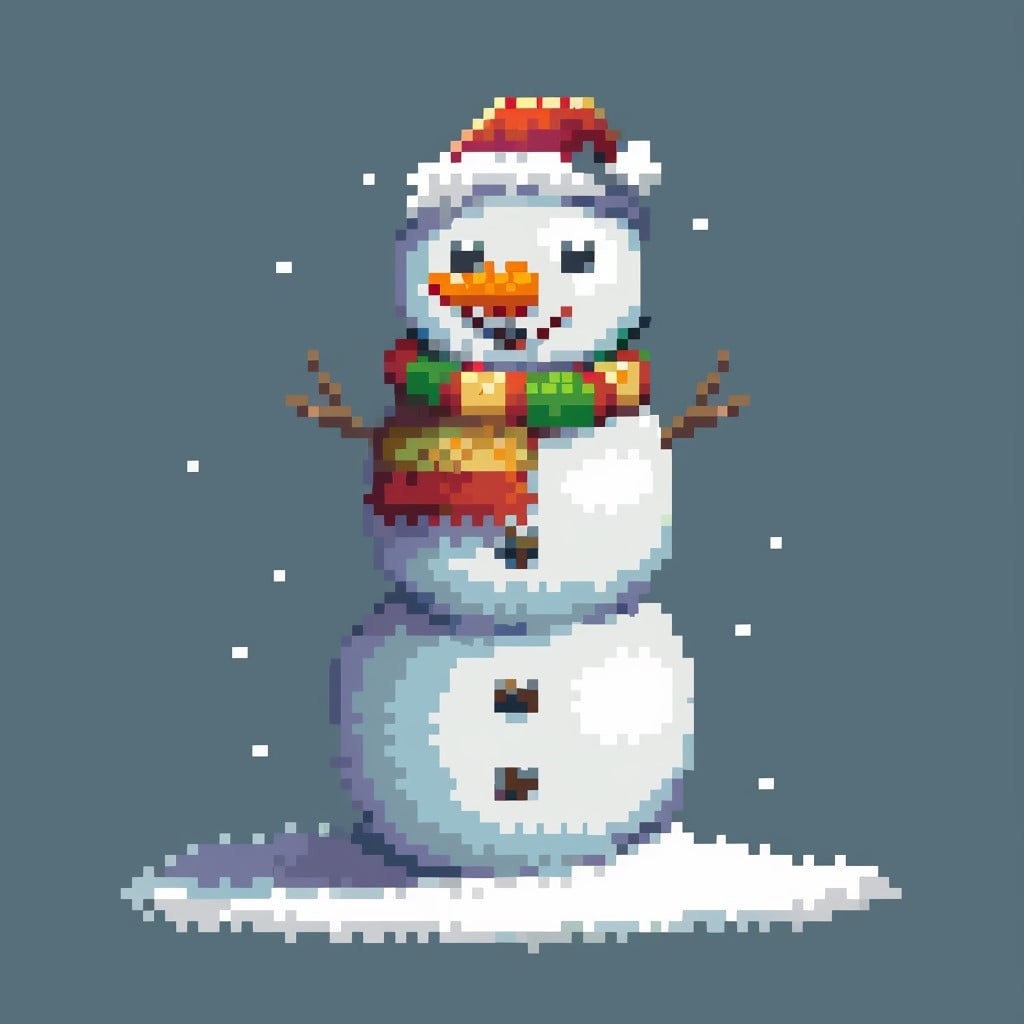
10. Snowman
Of course, a snowman is one of the most iconic Christmas pixel designs. Build it with three stacked white circles, then add a carrot nose, coal eyes, and a scarf in any color you like. Not only is it instantly recognizable, but it is also one of the first projects many beginners successfully complete.
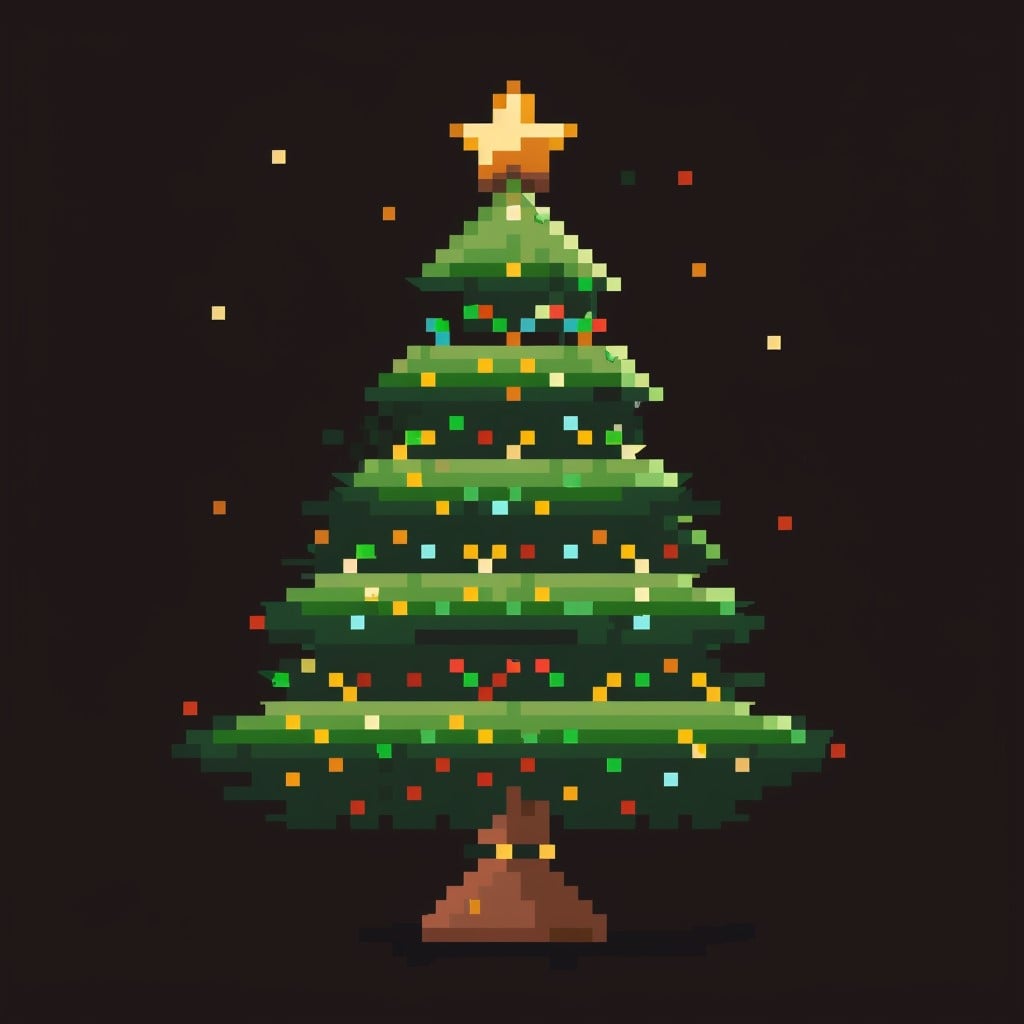
11. Christmas Tree (Simple)
A simple Christmas tree is another must-have holiday design. Start with a triangular stack of green layers, then place a star on top and a brown trunk underneath. After that, add a few colored dot pixels for ornaments. Even with minimal detail, it remains instantly recognizable and satisfying to draw.
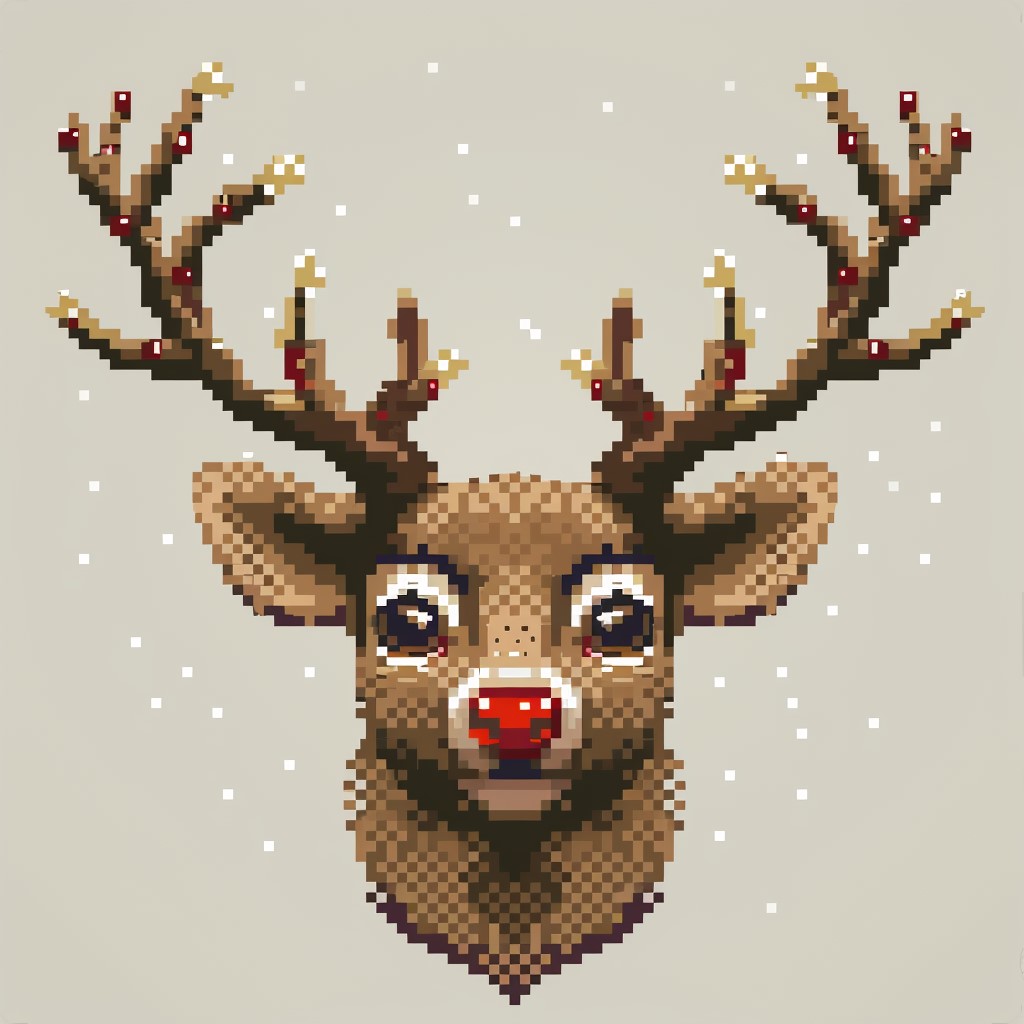
12. Reindeer Head
A reindeer head creates a fun festive character design. Use a simple brown deer face with large antlers, sparkly eyes, and a bright red Rudolph nose. To make the composition stronger, keep it centered on a 32×32 grid while leaving enough room for the antlers to spread outward.
13. Snow Globe
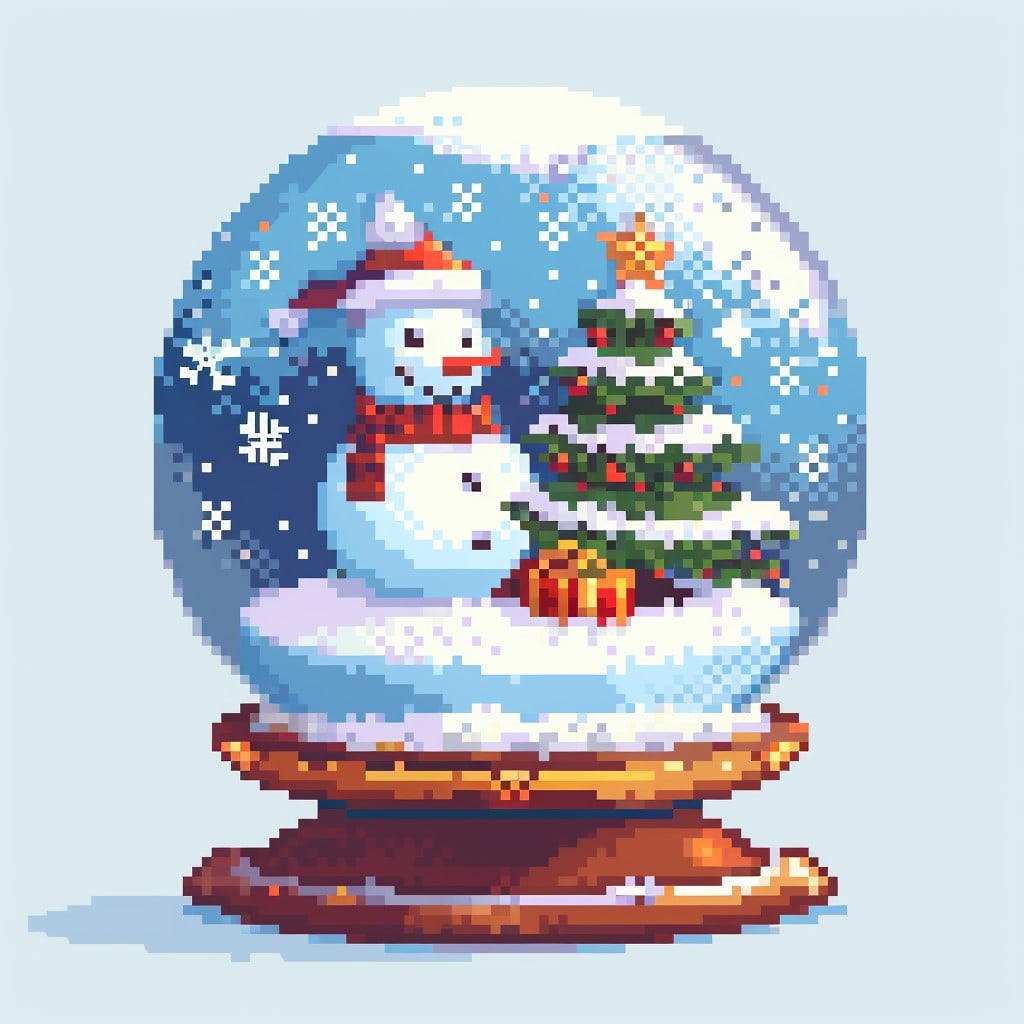
For a magical winter design, try a snow globe. Create a round globe sitting on a decorative base with a tiny holiday scene inside such as a snowman or small tree. Use a light blue and white palette for the glass effect, and then add a circular highlight to make it feel transparent.
14. Christmas Candle
A Christmas candle is simple, elegant, and perfect for beginners. Use a white candle body with a warm yellow-orange flame on top. In addition, dripping wax in soft white-gray tones adds extra realism. Although the design is minimal, it feels cozy and festive.

15. Santa Hat
Finally, a Santa hat is one of the most versatile Christmas pixel art pieces you can create. Use a red triangle shape with a white brim and a fluffy white pompom at the tip. While it looks simple, careful shading makes it much more effective. Because of this, it works well as an avatar accessory, a sticker, or even a repeating pattern element.

Intermediate Designs (Designs 16–35)
These designs work well on 32×32 to 64×64 grids and involve more detail, shading, and compositional thinking. If you’ve mastered the basics, these are your next challenge. You might also want to look at our guide on how to draw cute pixel art characters from scratch to build the skills needed for the character-based designs in this section.
16. Full Santa Claus Character
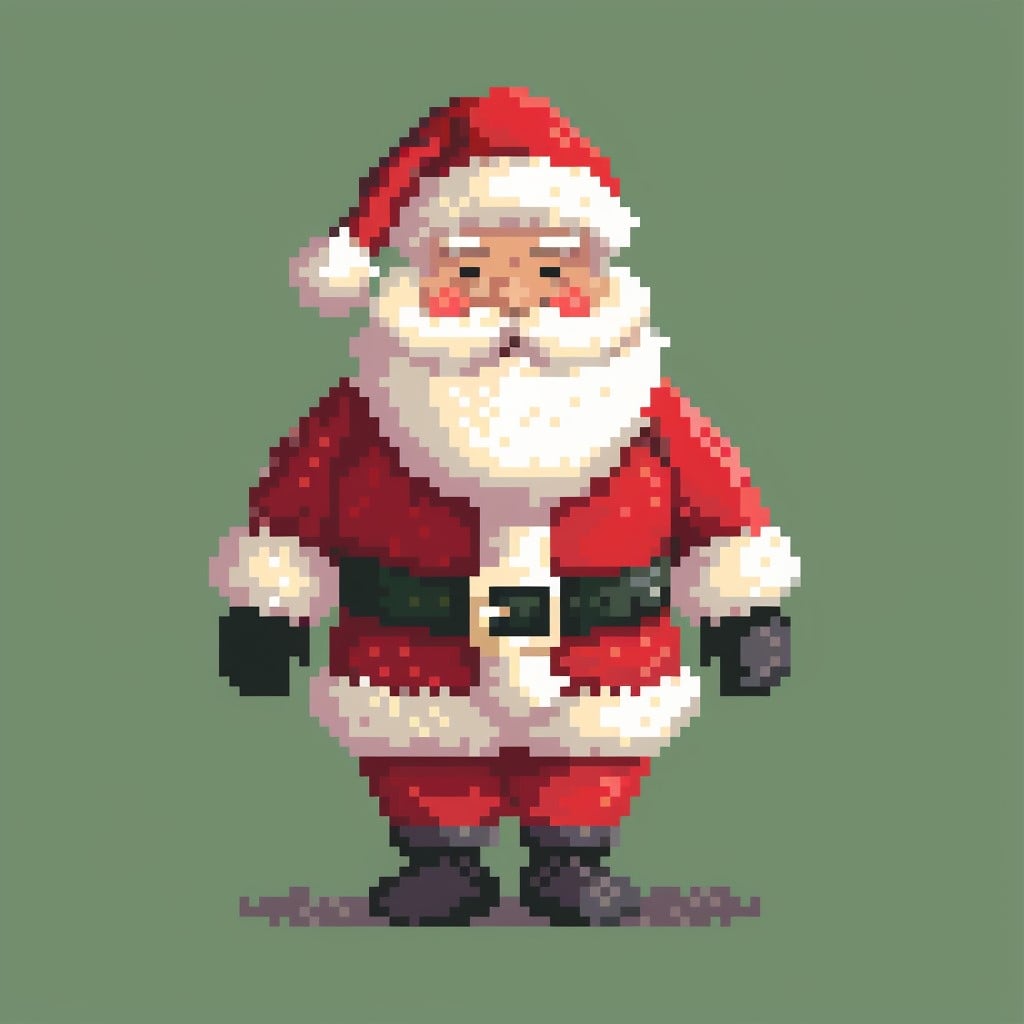
Of course, the big man himself deserves a spot on the list. Santa Claus features a red suit with white trim, black belt and boots, a fluffy white beard, and rosy cheeks. Most importantly, spend extra time on the face because the beard, hat, and expression carry most of the character. For the best results, a front-facing sprite works especially well at 32×32 pixels or larger.
17. Mrs. Claus
Next, Mrs. Claus makes a lovely companion piece to Santa. She usually includes round glasses, a cozy apron, silver hair in a bun, and a warm smile. In addition, try to match the same pixel scale as Santa so both characters can sit side by side naturally.

18. Elf Character
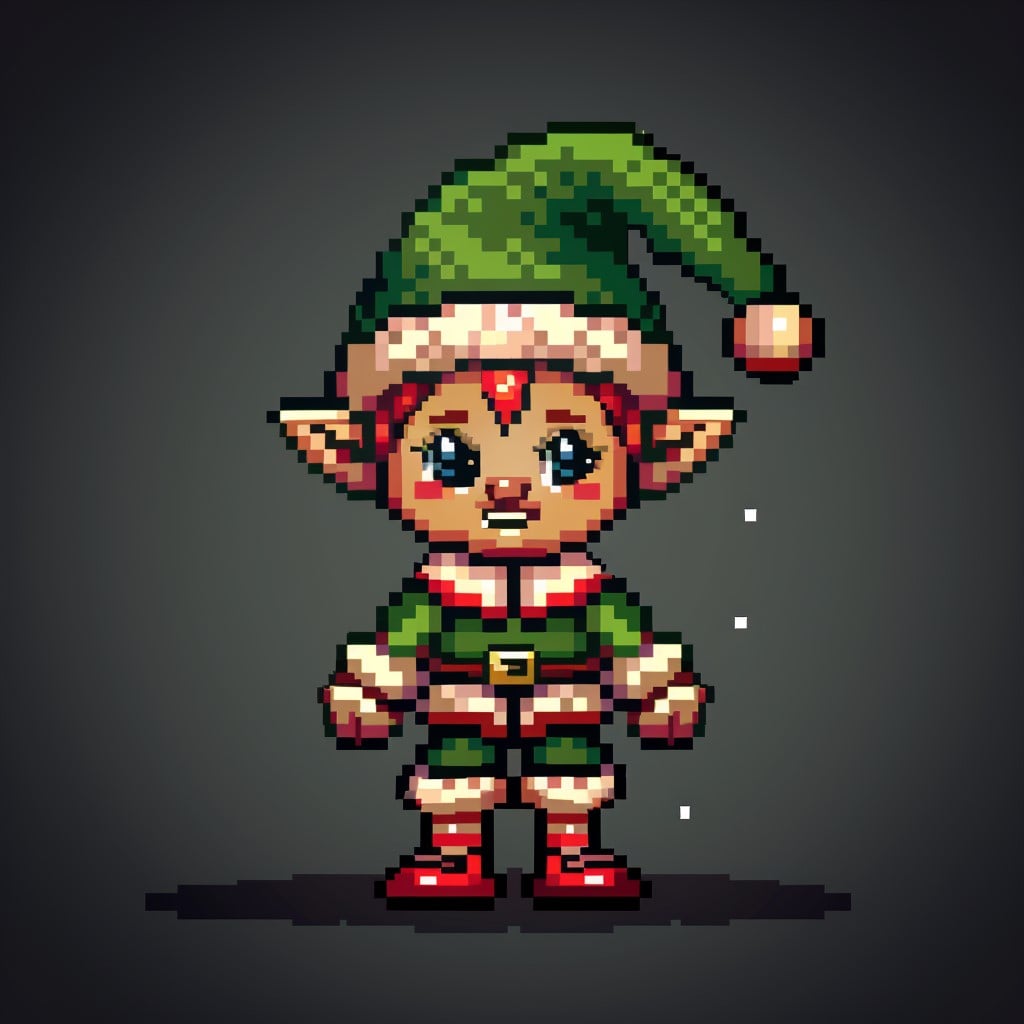
Another fun option is an elf character. Pointy ears, a green and red outfit, striped stockings, and curled shoes make the design instantly recognizable. Moreover, elves work wonderfully in pixel art because their proportions are playful and exaggerated big head, tiny body which makes them both cute and visually interesting.
19. Rudolph Full Body
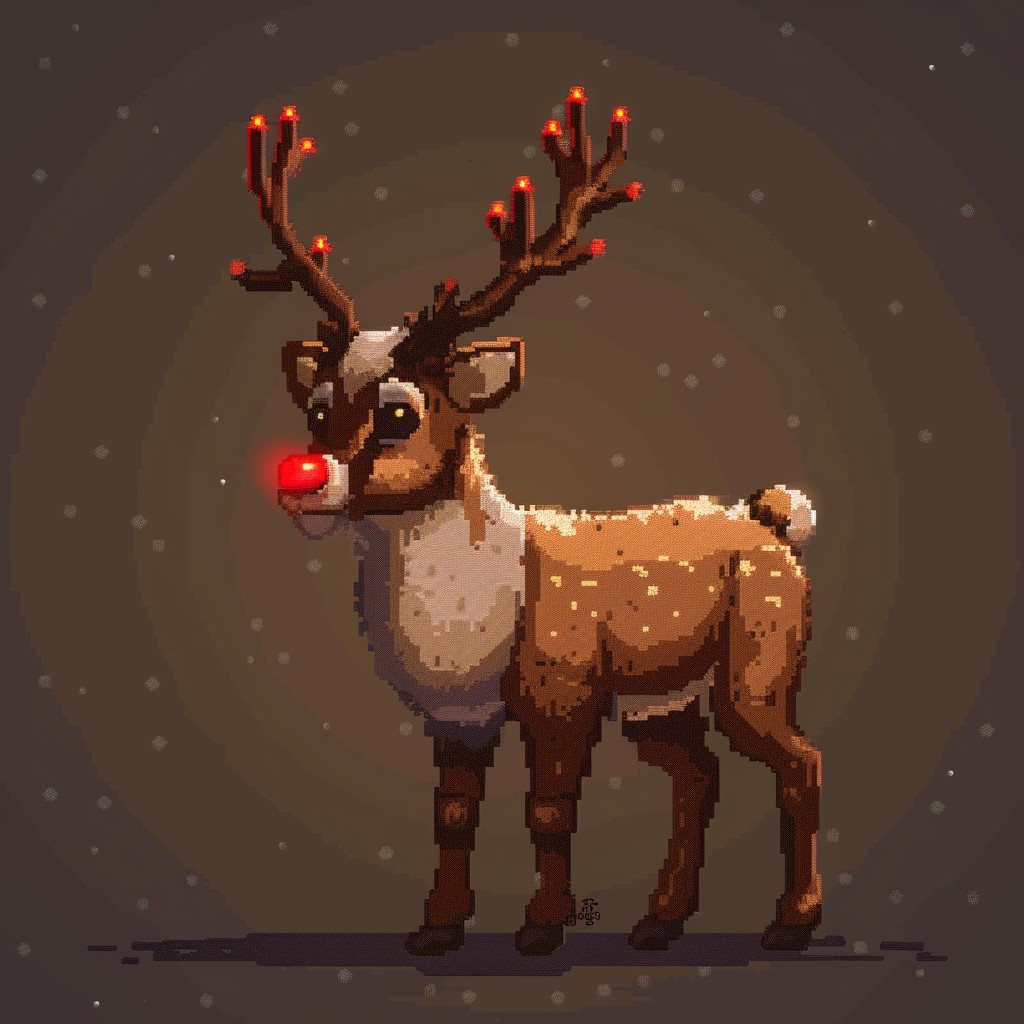
Of course, Rudolph is a holiday classic. A full standing reindeer with his signature glowing red nose creates an instantly festive design. Start with a warm brown base, then add a lighter chest, darker legs, and deep brown antlers. Most importantly, the bright red nose should stand out clearly as the focal point.
20. Christmas Village Scene
If you want a larger composition, a Christmas village scene is a perfect choice. Include multiple small houses in snow, a church steeple, bare winter trees, and a star glowing in the sky above. This is also a wonderful composition exercise. Keep each building simple; however, vary their colors and heights for better visual interest.
21. Decorated Christmas Tree (Detailed)
You can also take the simple Christmas tree idea and make it more detailed. Add layered shading on the branches, ornaments in different colors, shimmering tinsel, and a glowing star on top. Finally, wrapped presents underneath complete the scene and make it feel much richer.
22. Fireplace with Stockings
For a warm indoor scene, try a fireplace with stockings hanging from the mantel. Use orange and yellow tones for the fire, and then create a dithered glow on the surrounding stones. As a result, the piece feels cozy and inviting. This design also works beautifully as a desktop wallpaper tile.
23. Christmas Cookie Spread
If you enjoy flat-lay designs, a Christmas cookie spread is a great option. Arrange assorted holiday cookies like gingerbread men, stars, snowflakes, and bells on a white background. In addition, this project is excellent for practicing repeating shapes and decorative patterns.
24. Advent Calendar
An advent calendar offers both structure and creativity. Create a 5×5 grid of numbered doors in different colors, with each one hinting at a surprise inside. Not only is this a fun interactive concept, but it also works well as a template for digital projects.
25. Snowman Family
For something more heartwarming, design a snowman family. Use three snowmen of different sizes, such as a tall parent, a medium parent, and a small child. Then, give each one unique accessories like scarves, hats, or colorful buttons. Because of this, the composition feels more personal and charming.
26. Christmas Morning Scene
A Christmas morning scene adds storytelling to your pixel art. For example, you could show a child in pajamas running toward a lit-up Christmas tree surrounded by gifts. Here, pay close attention to the contrast between the warm indoor lighting and the cold blue tones outside the window. This contrast makes the scene feel much more emotional.
27. Christmas Wreath
A Christmas wreath is another classic holiday design. Build a circular wreath using pine branches, holly berries, and a decorative bow. You can even add a bell or two hanging from the center. To make it look fuller, use multiple shades of green for depth and texture.
28. Nutcracker Soldier
For a more structured character, try a nutcracker soldier. Tall, stiff, and ceremonial, this design usually features red and gold details. In particular, it is perfect for practicing straight-edged pixel characters. Although the uniform details like buttons, epaulettes, and collars are tiny, they make a huge visual impact.
29. Polar Bear in a Scarf
A polar bear in a scarf is both cute and simple. Use a chunky white bear with rosy cheeks, small beady eyes, and a colorful knitted scarf for personality. Furthermore, polar bears work wonderfully in pixel art because their round shapes translate cleanly onto a pixel grid.
30. Hot Cocoa Mug
For a cozy object study, create a steaming mug of hot cocoa. Add marshmallows on top, a candy cane stirrer, and a light sprinkle of cocoa powder. In addition, the rising steam gives you a great chance to practice animated pixel loops if you want to take the design further.
31. Christmas Pudding
A Christmas pudding is a classic British holiday dessert and a fun food subject to pixel. Create a dark, domed pudding with white icing dripping down the sides and a sprig of holly on top. This design is especially useful for practicing organic shape shading.
32. Gift Wrapping Ribbon Bow
Sometimes, small details make the best practice pieces. A detailed ribbon bow works perfectly for this. Focus on creating a shiny satin effect with careful highlight placement and subtle dithering. Although it seems simple, it can be a very satisfying challenge.
33. Christmas Fairy Lights String
For banners or decorative borders, a string of Christmas fairy lights works beautifully. Use small colored circles with white highlights and a soft glow around each bulb. As a result, the design feels bright, cheerful, and festive.
34. Penguin in Santa Hat
A penguin in a Santa hat is always a favorite. Use a tuxedo-marked penguin with a tiny gift tucked under its wing for extra charm. Since penguins have simple shapes and strong black-and-white contrast, they look crisp and recognizable at almost any size.
35. Christmas Card Composition
Finally, a full Christmas card composition brings everything together. Create a 64×64 scene with a snowy background, a holiday greeting in pixel font, a decorative border, and a central festive character or motif. In the end, this becomes more than practice, it feels like a complete finished project.
Advanced & Showcase-Level Designs (Designs 36–50)
These are the designs you work toward. They’re best at 64×64, 128×128, or larger canvases, and they involve complex shading, multi-element composition, and sometimes animation. If you want to create pieces like these to sell, platforms like Printify make it easy to turn your finished artwork into physical products think holiday greeting cards, mugs, cushion covers, t-shirts, and more. We’ll cover this in more depth in our guide to the top pixel art print-on-demand shops for selling your designs.
36. Santa’s Workshop Interior
A wide-angle view inside Santa’s workshop, shelves of toys, busy elves, a workbench, a chimney with fire, and wrapped presents stacked to the ceiling. This is a full scene with many individual pixel art elements working together.
37. Santa Flying Over a City
A nighttime cityscape with rooftops covered in snow, a full moon, and Santa’s sleigh silhouetted against the sky. Nail the foreground/background depth by using a darker, less detailed city below and a rich, detailed sky above.
38. Snowy Mountain Village Panorama
A wide, horizontal panoramic scene of a small village nestled in snow-covered mountains. Think the opening of a classic Christmas movie. Use a limited but carefully chosen palette of blues, whites, and warm amber window lights.
39. The 12 Days of Christmas Sprite Sheet
Create a full sprite sheet of all 12 gifts from the song partridge in a pear tree, turtle doves, golden rings, and so on. A fun challenge in consistency of style and scale.
40. Christmas Town at Night (Animated)
An animated scene with falling snow, twinkling window lights, smoke rising from chimneys, and a Christmas tree in a shop window blinking on and off. Even subtle animation loops (5-10 frames) make pixel art scenes feel alive.
41. Gingerbread House
A full gingerbread house with candy cane pillars, icing roof, candy window panes, a gum drop path, and smoke from the chimney. This is a showcase piece every surface has texture and detail.
42. The Night Before Christmas Scene
Inspired by the classic poem a dark bedroom, stockings hung by the chimney, moonlight through the window casting blue shadows on the floor, and a pair of small sleeping children in a bed. A mood piece that challenges your ability to work with limited light.
43. Christmas Market Scene
A busy outdoor Christmas market with stalls selling hot drinks, ornaments, and baked goods. Crowds of tiny pixel characters in winter clothes. This teaches you to manage visual complexity without the scene becoming chaotic.
44. Retro Video Game Christmas Level
Design a pixel art Christmas level from an imaginary retro platformer candy cane platforms, snow, gift-box enemies, snowflake hazards, and a boss that looks like an angry Christmas pudding. This overlaps perfectly with the Minecraft creative spirit.
45. Christmas Tarot Card Style Portrait
A pixel art interpretation of a Christmas figure say, the “Star” tarot card reimagined with a Christmas angel in a tall, portrait-format frame with ornamental borders and gold lettering. A striking and original concept.
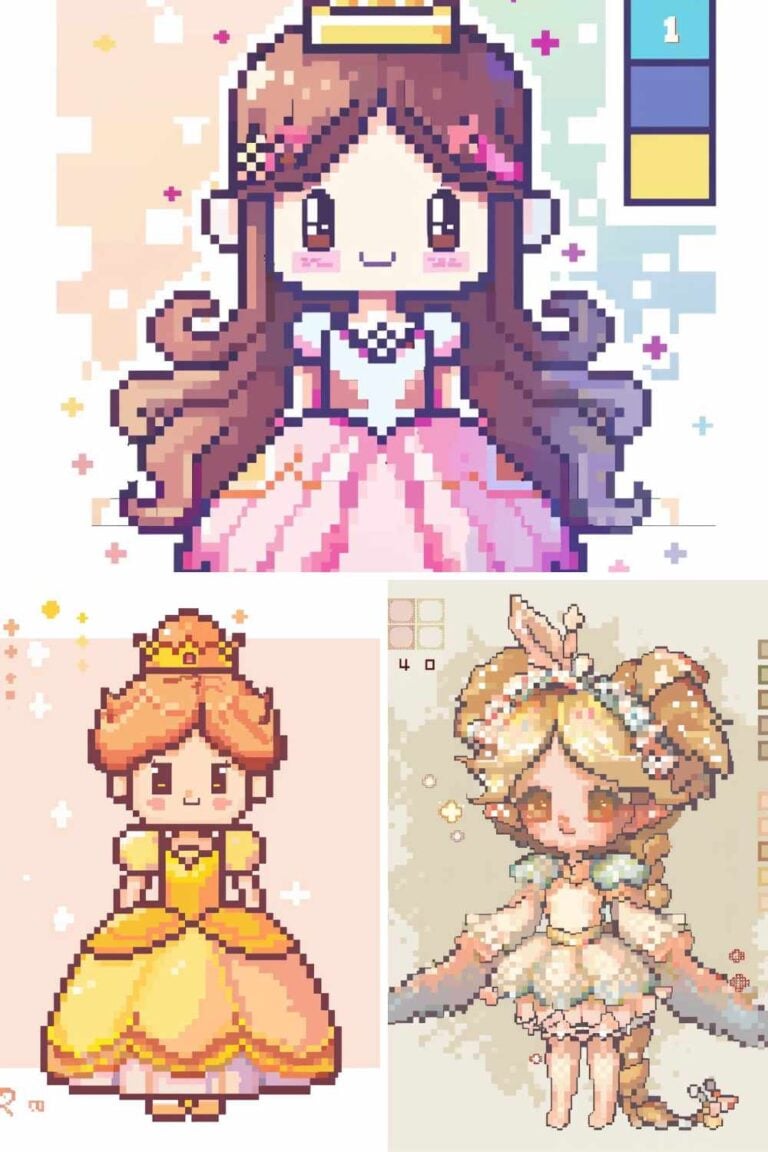
46. Disney Princess in a Christmas Dress
If you’re a fan of character art, try reimagining a Disney princess in a holiday outfit. This concept overlaps beautifully with our guide on how to create a Disney princess in pixel art everything you learn there applies directly here.
47. Winter Kawaii Characters
A set of kawaii-style Christmas characters a round snowman, a blushing reindeer, a tiny Santa, and a star with a face. These cute, chibi-proportioned designs are incredibly popular on social media. For more in this style, check out our post on 25 Kawaii pixel art character ideas you’ll actually want to draw.
48. Christmas Aesthetic Wallpaper
A large, tileable pixel art wallpaper in a “cozy Christmas” aesthetic warm orange and deep green tones, candles, books, a cat by the fire, and a snow-covered window. This style echoes the vaporwave and retro-aesthetic designs we explore in our post on 20 retro-inspired pixel art patterns and where they come from.
49. Pixel Art Advent Scene Full Month Grid
Design a 31-cell illustrated calendar grid showing a different tiny Christmas scene for each day of December. This is a massive undertaking but results in a breathtaking piece.
50. Your Signature Christmas Character
Create your own original Christmas mascot a character that represents your pixel art style. Give them a name, a backstory, and a pose. Post it. This is the kind of piece that builds your following and becomes recognizable over time. If you want inspiration for what great pixel art characters can look like on social media, check out our roundup of 25 pixel art inspo accounts to follow on Instagram.
Tools You’ll Need to Create These Designs
You don’t need expensive software to get started with Christmas pixel art. Here are the main tiers:
Free options include Piskel (browser-based, great for beginners), Lospec Pixel Editor (clean and minimal), and GIMP with a pixel art workflow.
Paid options like Aseprite (around $20) are widely considered the gold standard for pixel artists who want animation tools, layer management, and advanced palette controls. Our full review in the best pixel art software in 2026 guide covers these in detail.
If you’re working on large creative projects and spending long hours at your desk, it’s worth investing in ergonomic equipment. A height-adjustable standing desk from Flexispot can make a real difference during marathon pixel art sessions. Pair that with a Razer drawing tablet or gaming mouse for precise cursor control when placing pixels, and your setup will genuinely elevate the quality of your work.
Turning Your Christmas Pixel Art Into Products
Here’s something many pixel artists don’t think about until later: your Christmas designs can generate real income. Once you’ve created a set of polished holiday designs, platforms like Printify let you upload them and sell them as physical products holiday mugs, greeting cards, wrapping paper, t-shirts, phone cases, and tote bags without holding any inventory yourself. It’s a passive income stream that’s particularly well-timed if you publish your designs in October or November.
For a full walkthrough of how to set this up, read our dedicated post on the top pixel art print-on-demand shops for selling your designs, where we break down the platforms, commission rates, and product types that work best for pixel art specifically.
Where to Share Your Christmas Pixel Art
Once you’ve created something you’re proud of, share it. The pixel art community online is genuinely warm and supportive, especially around the holidays. Post on Instagram, Reddit’s r/PixelArt, or Twitter/X with the hashtag #PixelArtChallenge or #ChristmasPixelArt.
A well-crafted pixel art avatar or profile picture based on your Christmas designs can also elevate your social media presence. See our guide on 10 pixel art PFP ideas that look great on any platform for tips on sizing, framing, and style.
Final Thoughts
Christmas pixel art is a gift pun intended. It gives you clear creative constraints, a rich visual vocabulary to draw from, and an audience that’s already emotionally primed to appreciate festive artwork. Whether you work through two designs or all fifty, the important thing is that you start, you finish, and you share.
If this post has sparked your interest in pixel art more broadly, we’d encourage you to keep exploring this category. From 30 easy pixel art ideas perfect for absolute beginners to cool pixel art pieces that went viral on social media, there’s a huge world of inspiration waiting for you and we’re documenting all of it right here.
Happy creating, and happy holidays. 🎄
More Pixel Art Posts You’ll Love
- What Is Pixel Art? A Complete Beginner’s Introduction
- Best Pixel Art Software in 2026: Honest Review for Every Skill Level
- 30 Easy Pixel Art Ideas Perfect for Absolute Beginners
- 40 Small Pixel Art Grid Ideas You Can Finish in Under an Hour
- 47 Thanksgiving Pixel Art Designs
- How to Draw Cute Pixel Art Characters from Scratch (Beginner’s Guide)
- Top Pixel Art Print-on-Demand Shops for Selling Your Designs
- 25 Kawaii Pixel Art Character Ideas You’ll Actually Want to Draw
- 10 Pixel Art PFP Ideas That Look Great on Any Platform